92
C
HAPTER
4: C
OMMAND
R
EFERENCE
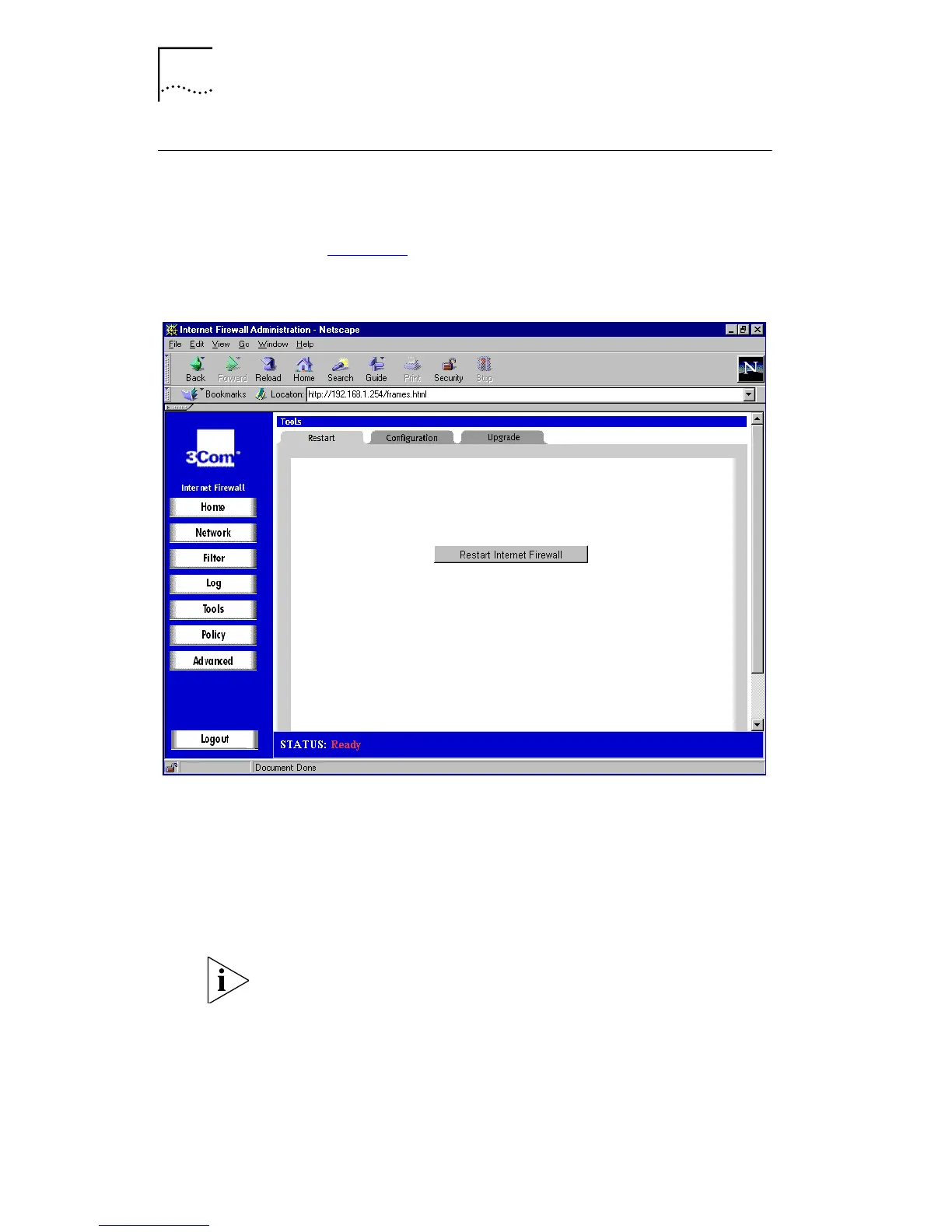
Restarting the Internet Firewall
To restart the Internet Firewall:
1
Click
Tools
and select the
Restart
tab. A window similar
that in Figure 36
is displayed.
Figure 36
Restart Window
2
Click
Restart Internet Firewall
.
3
Click
Yes
to confirm the restart and send the restart
command to the Internet Firewall. The restart takes about
90 seconds, during which time the Internet Firewall cannot
be reached from the Web browser and all network traffic
through it is halted.
If you have changed the IP settings of the Internet Firewall,
you must alter the IP settings of the management station
accordingly. You may have to restart the management
station, depending on its operating system, for the change
to take effect.
When the power LED stops flashing you must refresh your
browser.



 To Next Page