50
C
HAPTER
4: C
OMMAND
R
EFERENCE
Network Settings
From the button bar, click
Network
to select the Network
settings menu. Alternatively you can use the Network
Settings Icon on the Home Screen graphic.
Basic Settings
Click the
Settings Tab
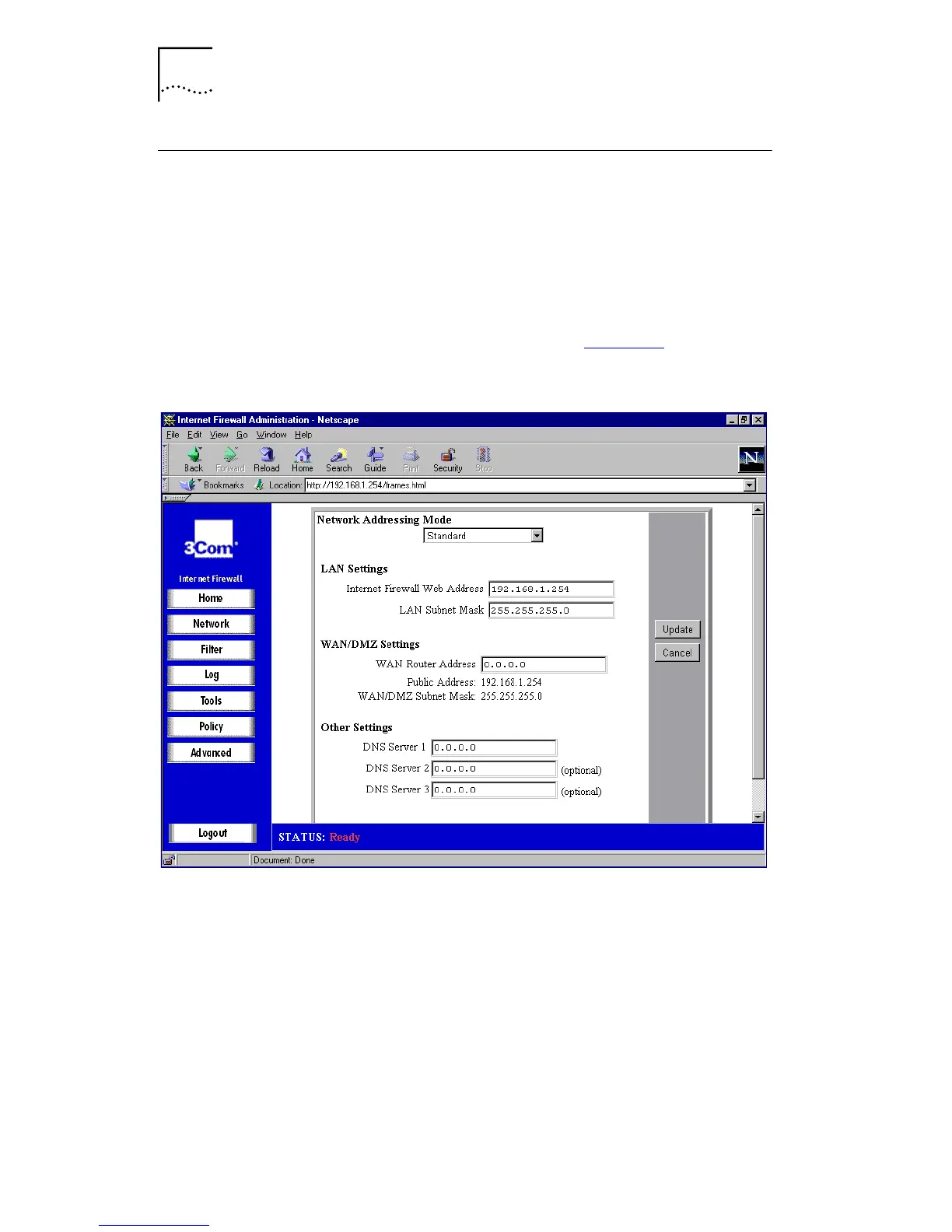
to display the Network Settings
window. A window similar to that in Figure 16
is displayed.
Figure 16
Network Settings Window
Network Addressing Mode
The
Network Addressing Mode
drop-down list contains
three modes:
■
Choose
Standard
if you have IP addresses allocated by
your ISP for each machine that requires access to the
Internet.
■
Choose
NAT Enabled
if you want to use a single IP
address for accessing the Internet, or if you do not have



 To Next Page