Static Routes
117
Static Routes
If the LAN has internal routers, you must specify their
addresses and network information.
Click
Advanced
and then select the
Static Routes
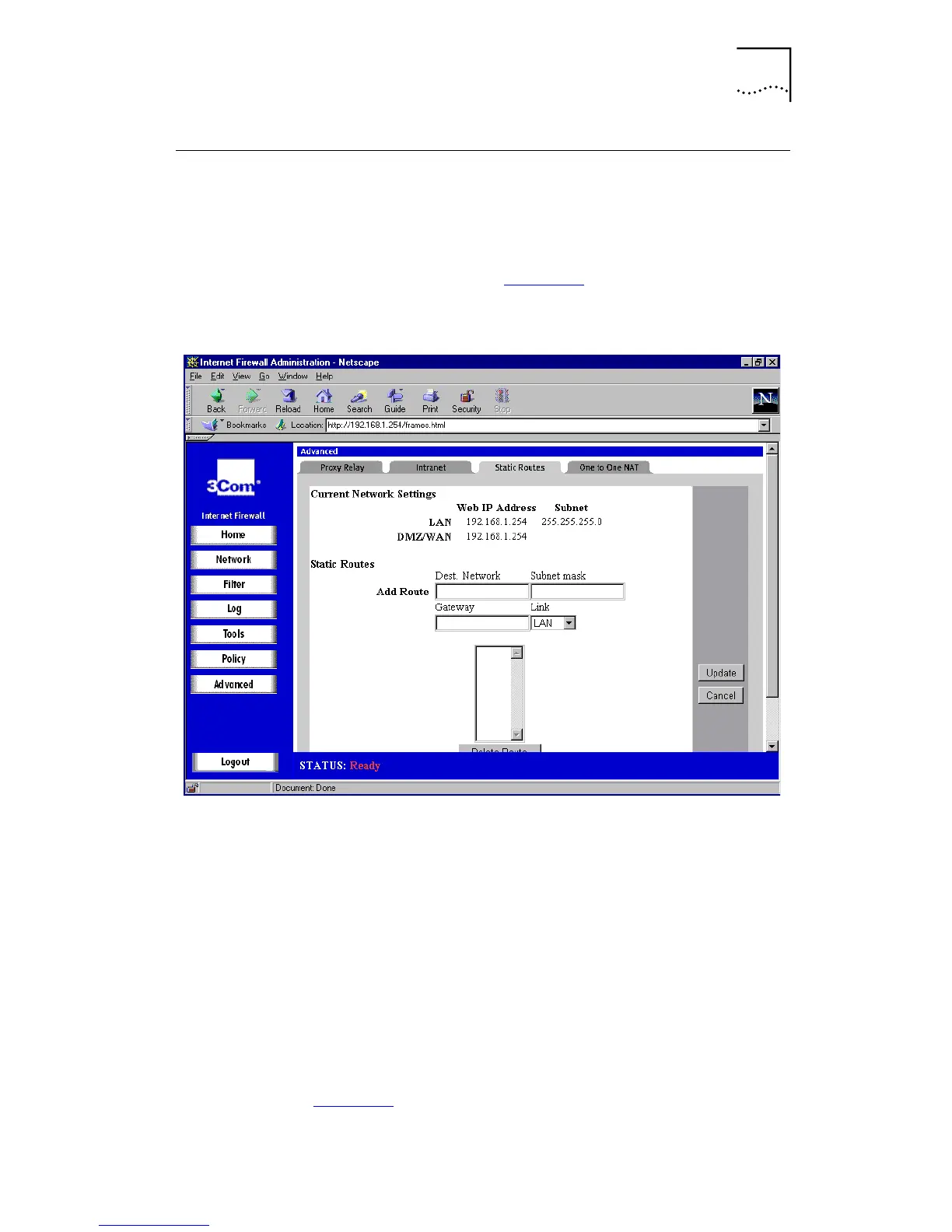
tab. A
window similar to that in Figure 50
is displayed.
Figure 50
Static Routes Window
Use static routes if the LAN is segmented into subnets,
either for size or practical considerations. For example, you
can create a subnet which only contains an organization’s
graphic design shop, isolating it from traffic on the rest of
the LAN.
Static Routes Window Boxes and Controls
■
LAN
The IP Address and Subnet on the Internet Firewall’s
LAN port are shown at the top of the window.
Configure these in the Network Settings window (see
Figure 16
).



 To Next Page