Specifying Intranet Settings
115
Configuring the Internet Firewall to Protect the Intranet
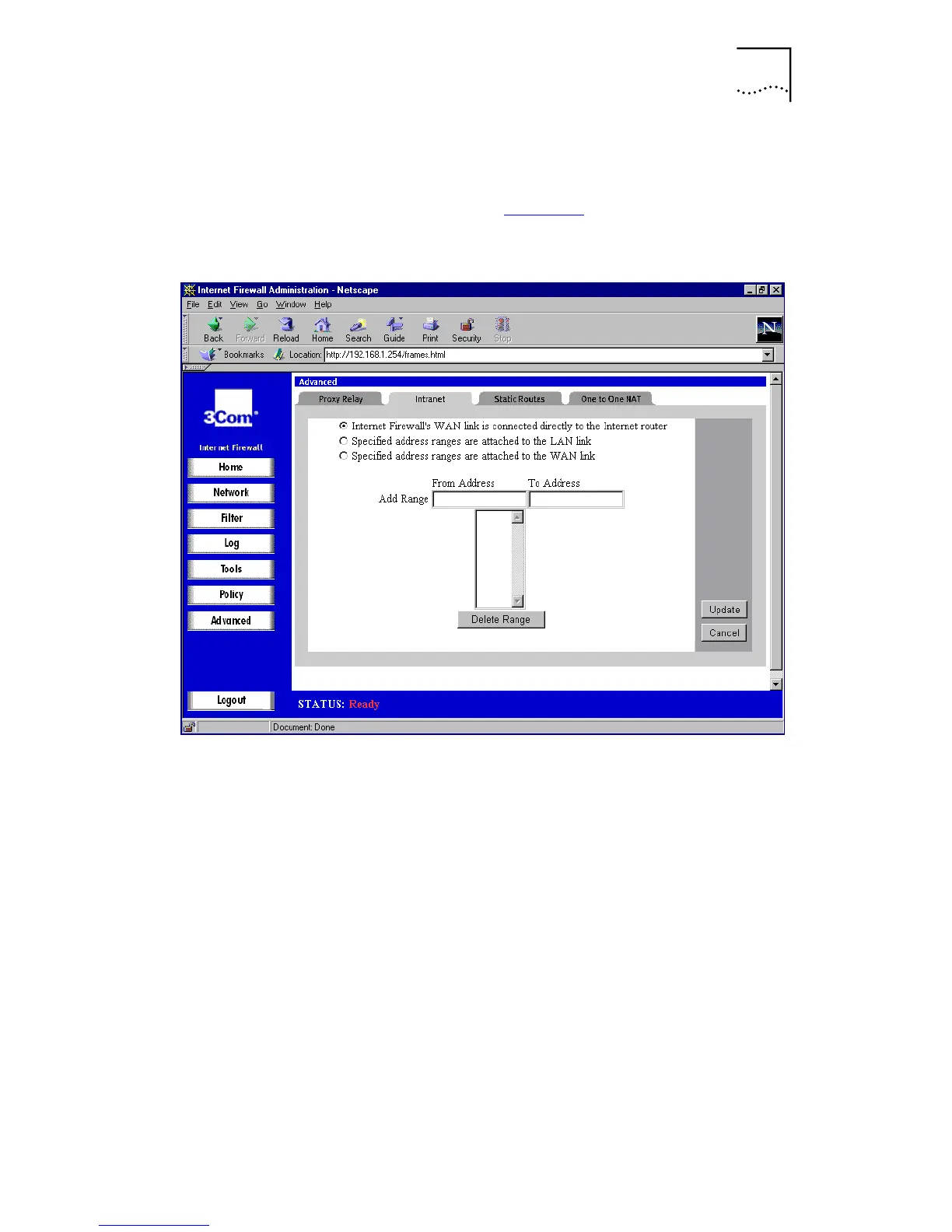
Click
Advanced
, and then select the
Intranet
tab. A
window similar to that in Figure 49
is displayed.
Figure 49
Intranet Window
To enable intranet firewalling, it is necessary to identify
which machines are protected against unauthorized access
by specifying the IP addresses of these machines. You can
do this in two ways:
■
Inclusively by specifying which machines are members
of the segment with restricted access.
■
Exclusively by specifying which machines are not
members of the segment with the restricted access.
Using the inclusive method, you specify the IP addresses of
the machines which are connected to the Internet Firewall’s
LAN port. Use this method in cases such as a small
accounting office in a large LAN, where it may be easier to
identify the small number of machines with restricted
access rather than the larger number of machines on the
corporate network.



 To Next Page