Setting the Administrator Password
49
Setting the Administrator Password
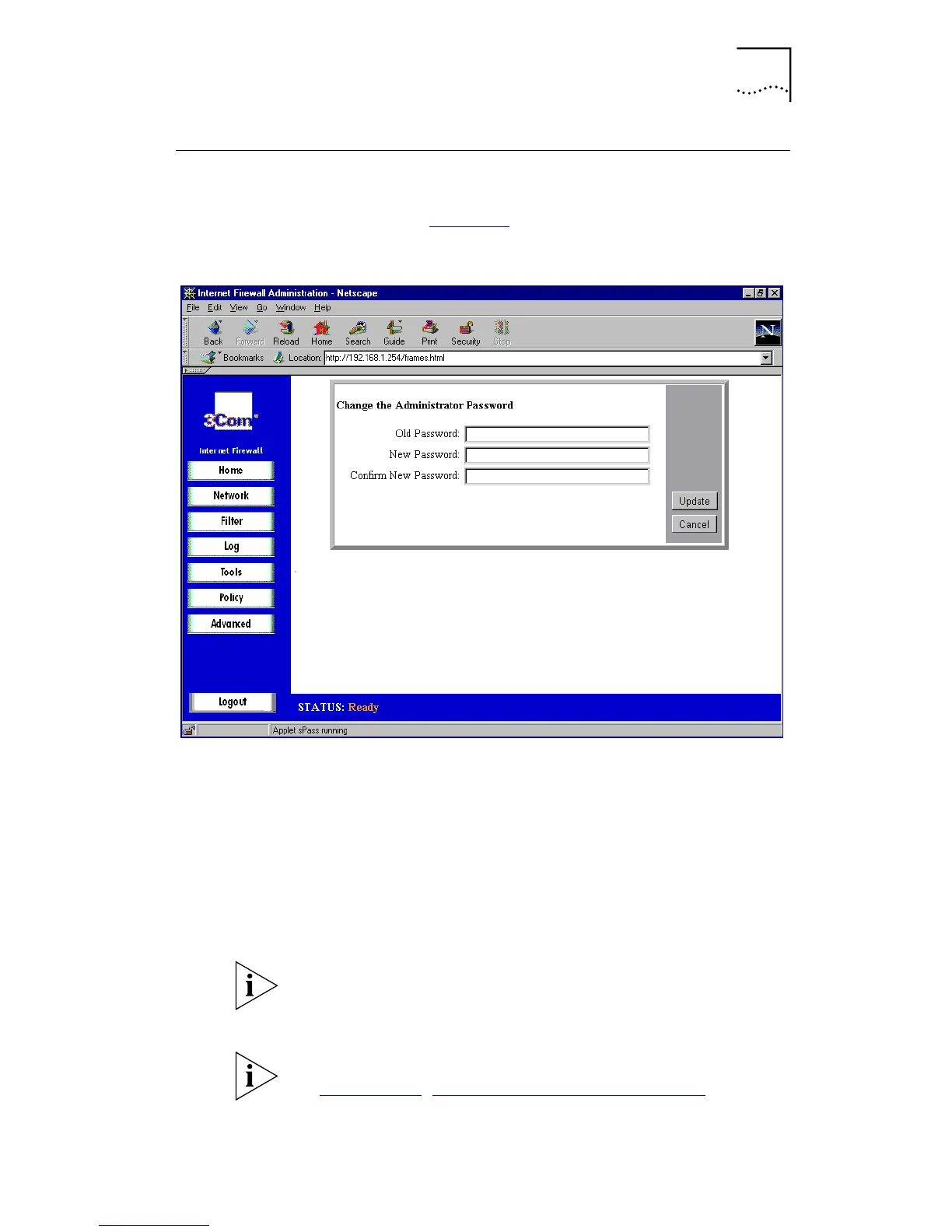
From the Home screen, select
Set Passwor
d. A window
similar to that in Figure 15
is displayed
Figure 15
Set Password Window
To keep the Internet Firewall secure, change the
administrator password:
1
In the
Old Password
box, type the old password.
2
In the
New Password
and
Confirm New Password
boxes
type the new password
3
Click
Update
to send the configuration data to the Internet
Firewall.
If you are setting the password for the first time, the
default password is “password”.
The password cannot be recovered if it is lost or forgotten.
If the password is lost, you must reset the Internet Firewall.
See Appendix G
, “Resetting the Internet Firewall” for more
information.



 To Next Page