Diagnostic Tools
67
Type the IP address of the device being pinged and click
Go
. The test takes a few seconds to complete.
Ping requires an IP address. Use the Internet Firewall’s DNS
Name Lookup tool to find the IP address of a host.
Packet Trace
Use the
Packet Trace
tool to track the status of a data
packet or communications stream as it moves from source
to destination. This is a useful tool to determine if a packet
or communications stream is being stopped at the Internet
Firewall, or is lost on the Internet.
Select
Packet Trace
from the
Choose a diagnostic tool
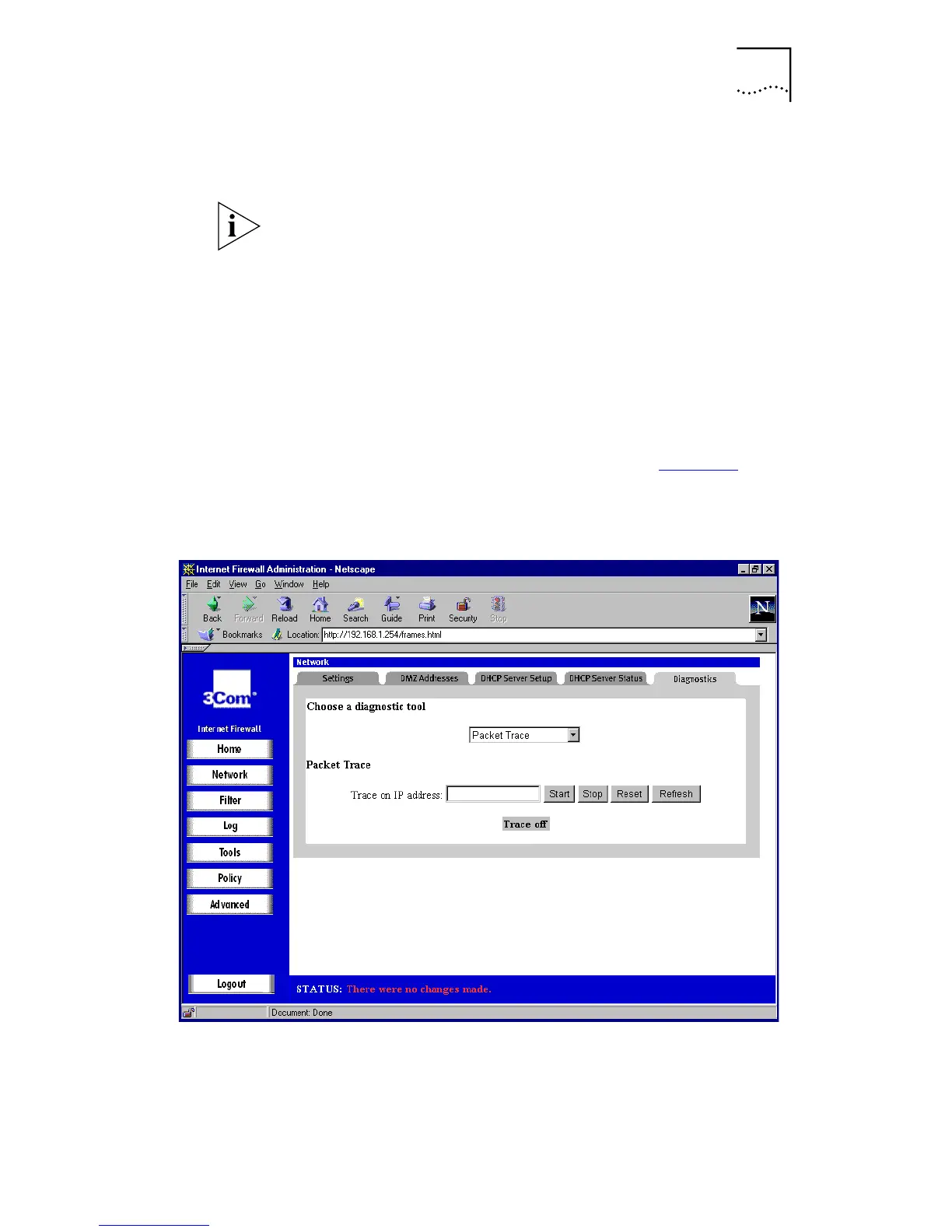
drop-down list. A window similar to that in Figure 26
is
displayed.
Figure 26
Packet Trace Window



 To Next Page