Viewing the DHCP Server Status
63
Viewing the DHCP Server Status
Click
Network
and then select the
DHCP Server Status
tab.
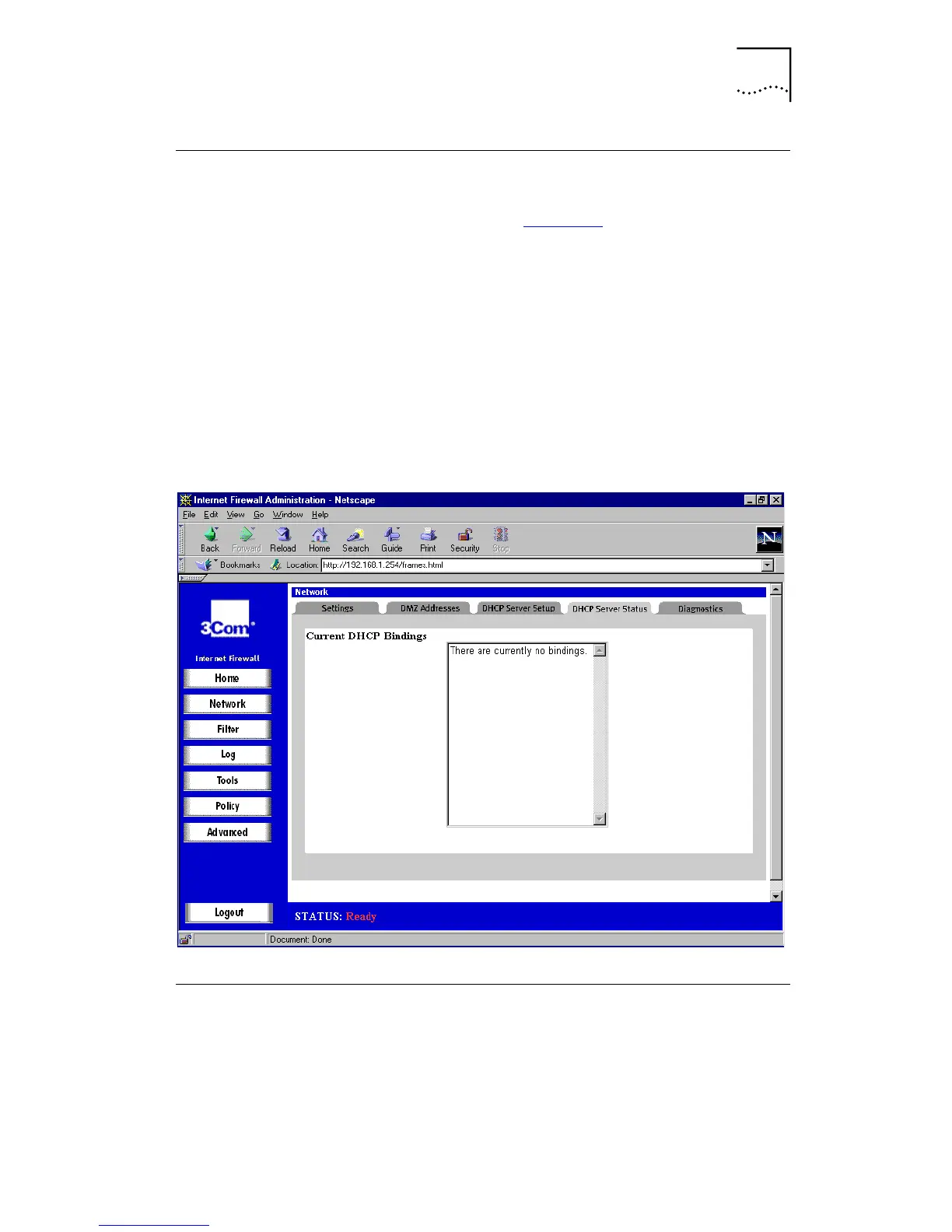
A window similar to that in Figure 22
is displayed.
The scrolling window shows the details on the current
bindings:
■
IP and MAC address of the bindings
■
Type of binding (Dynamic, Dynamic BootP, or Static
BootP).
To delete a binding, which frees the IP address in the DHCP
server, select the binding from the list and then click
Delete.
Figure 22
DHCP Server Status Window
Diagnostic Tools
The Internet Firewall has several tools built in which can
help you solve network problems. Click
Network,
and then
select the
Diagnostics
tab.



 To Next Page