90
C
HAPTER
4: C
OMMAND
R
EFERENCE
Reports
The Internet Firewall can analyze the event log to show the
following:
■
Top 25 most accessed Web sites
■
Top 25 users of bandwidth by IP address
■
Top 25 services that consume the most bandwidth
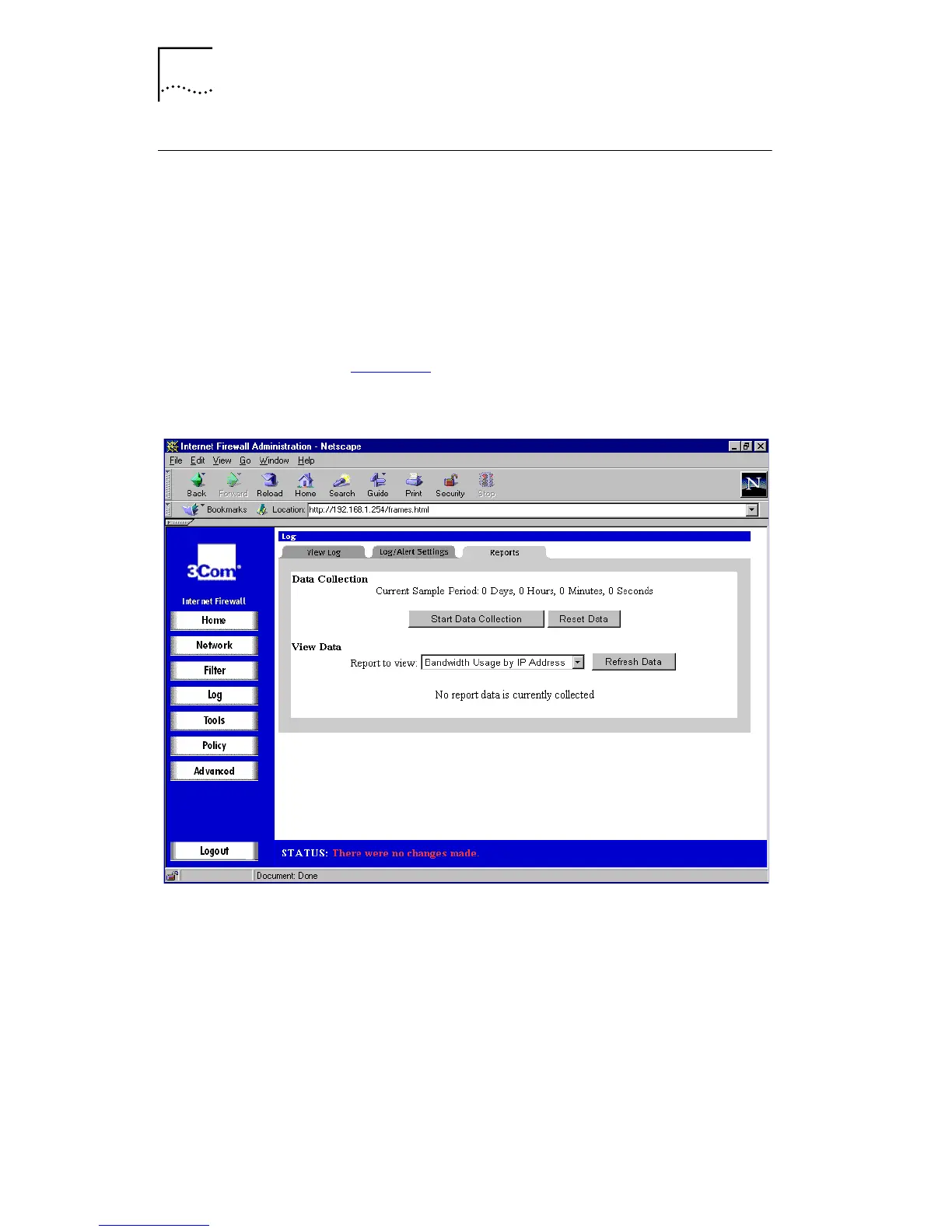
Click
Log
and then select the
Reports
tab. A window similar
to that in Figure 35
is displayed.
Figure 35
Reports Window
■
Start Data Collection
By default, the log analysis function is disabled. Click
Start Data Collection
to begin log analysis. When log
analysis is enabled, the button label changes to
Stop
Data Collection
.
■
Reset
Click
Reset
to clear the report statistics and begin a new
sample period. The sample period is also reset when
data collection is stopped or started, and when the
Internet Firewall is restarted.



 To Next Page