112
C
HAPTER
4: C
OMMAND
R
EFERENCE
The proxy server must be located on the WAN; it may not
be located on the LAN.
Click
Advanced
, and then select the
Proxy Relay
tab. A
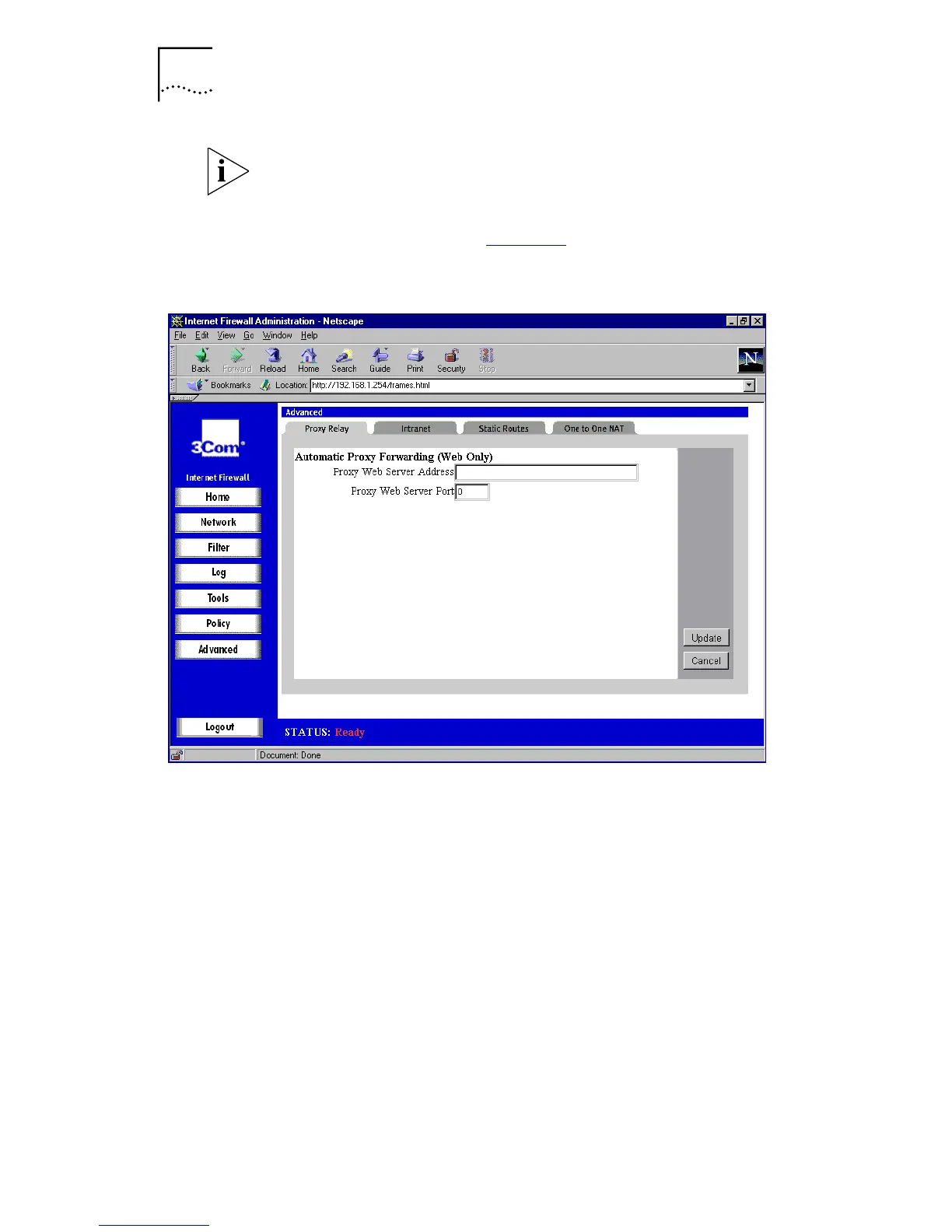
window similar to that in Figure 47
is displayed.
Figure 47
Proxy Relay Window
Enter the IP address of the proxy in the
Proxy Web Server
Address
box, and the proxy’s IP port in the
Proxy Web
Server Port
box.
Click
Update
to send the configuration data to the Internet
Firewall.
Example of Installing a Proxy Server
The following example describes how to install a proxy on
the WAN port.
Installing a proxy on the WAN
When you install a proxy server on the WAN port, it is
important to remember to configure the Internet Firewall’s



 To Next Page