Saving and Restoring Configuration Settings
93
Saving and Restoring Configuration Settings
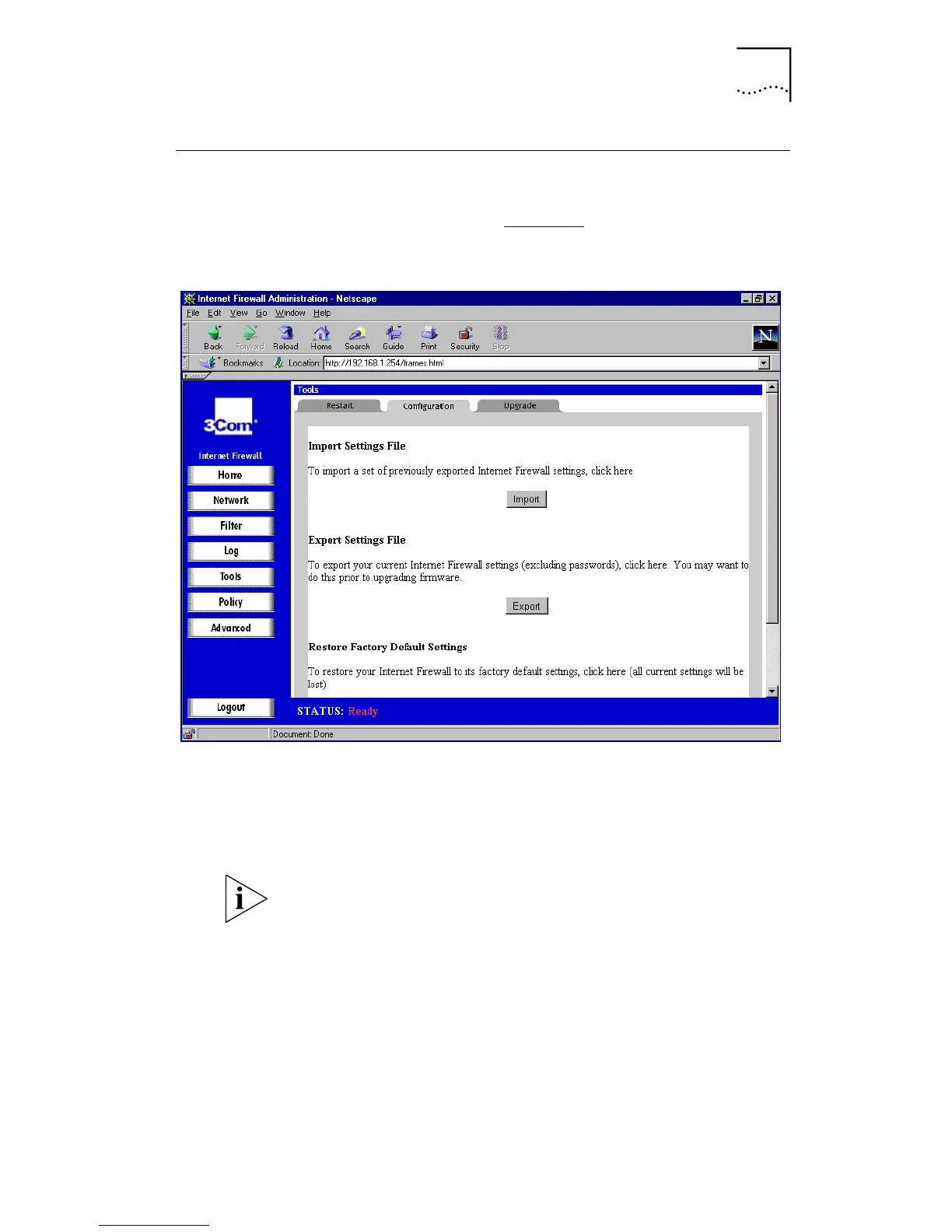
Click
Tools
and then select the
Configuration
tab. A
window similar to that in Figure 37
is displayed.
Figure 37
Configuration Window
Use the
Configuration
tab to specify where the settings for
the Internet Firewall are saved to and retrieved from for
backup purposes. You can also restore the default settings
from the
Configuration
tab. 3Com recommends that you
back up the Internet Firewall settings.
The Administration password is not saved in this process.



 To Next Page