Diagnostic Tools
65
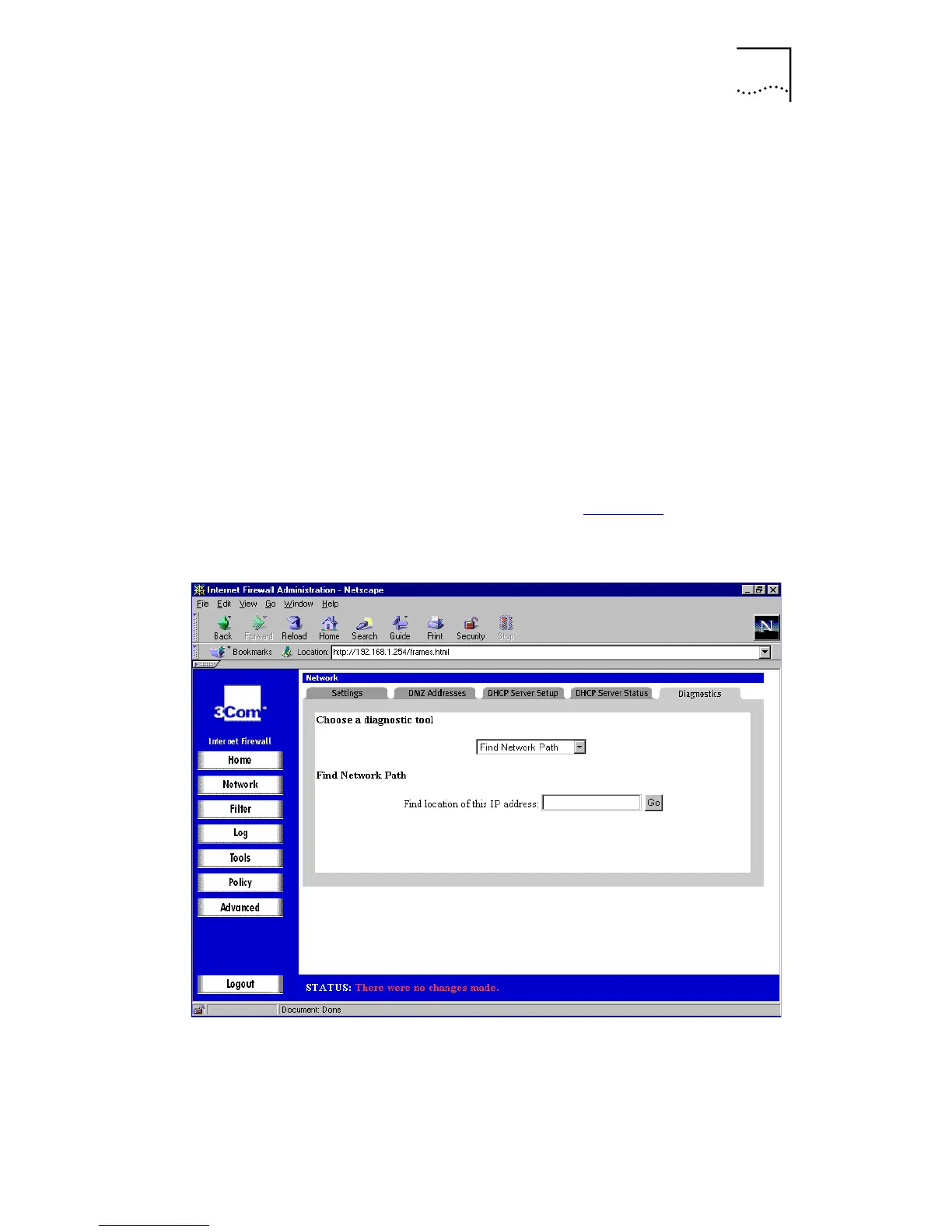
Find Network Path
Use the
Find Network Path
tool to show on which port,
LAN, WAN or DMZ where appropriate, an IP host is located.
This is helpful to determine if the Internet Firewall is
properly configured. For example, if the Internet Firewall
thinks
that a machine known to be on the Internet is
located on the LAN port, then there is a problem with the
configuration of the network or intranet settings.
Find
Network Path
also shows if the target node is behind a
router, and the Ethernet address of the target node or
router.
Find Network Path
also shows which router a node
is using, which can help isolate router configuration
problems.
Select
Find Network Path
from the
Choose a diagnostic tool
menu. A window similar to that in Figure 24
is displayed.
Figure 24
Find Network Path Window
Type the IP address of the device and click
Go
. The test
takes a few seconds to complete.



 To Next Page