46
C
HAPTER
4: C
OMMAND
R
EFERENCE
Status Messages
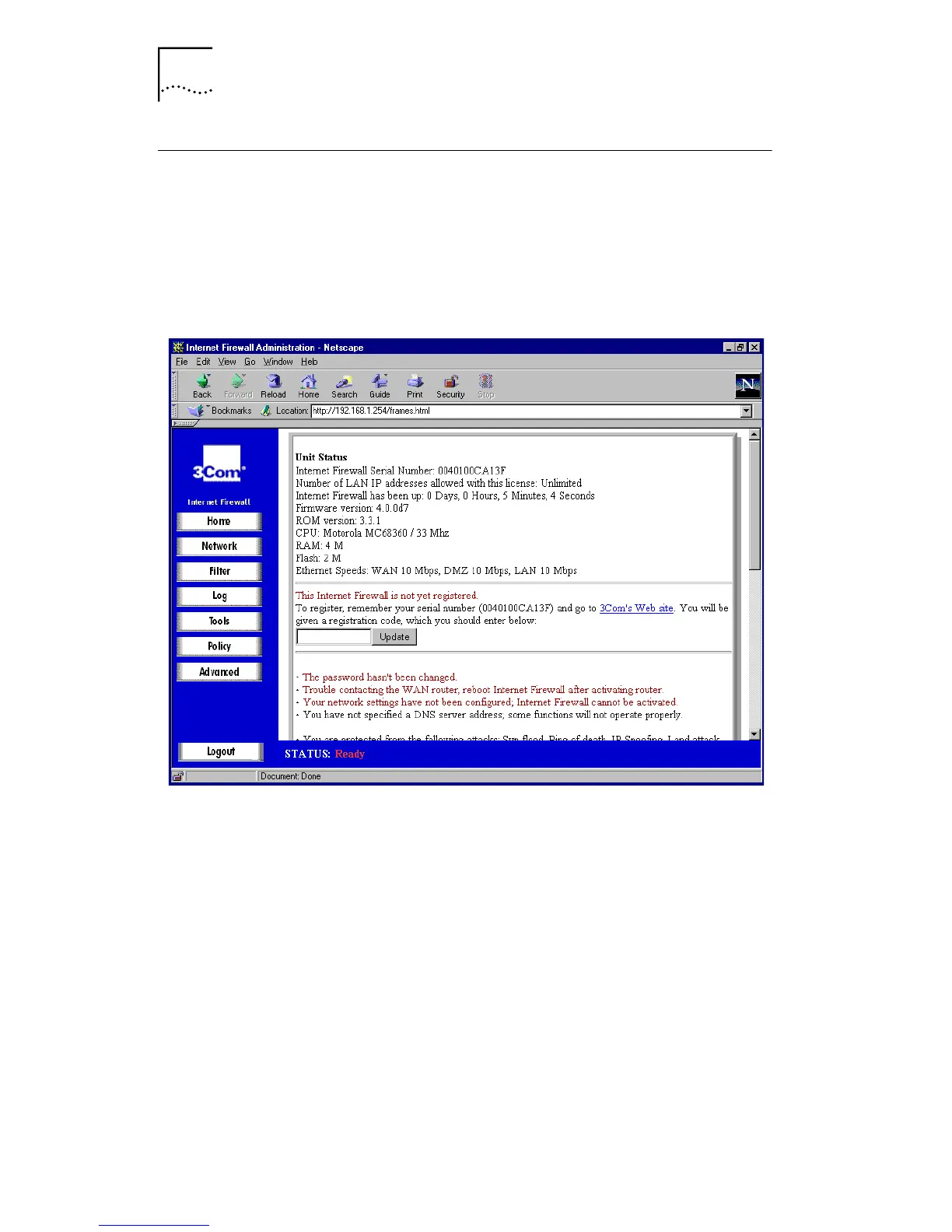
To display the current status of Internet Firewall DMZ, click
the Home button. Then click the part of the image labelled
Unit Status
. A window similar to the following will be
displayed.
Figure 13
Unit Status Window
The Status window displays the current status of the
Internet Firewall DMZ. Any problems will be listed in red
text. For example, if the Internet router was not contacted,
or the default password was not changed, this would be
listed. Items listed in red require immediate, corrective
action.
General operation status messages, such as enabled hacker
attack protection, filter list status, and log settings are listed
in black text.
To register your Internet Firewall, enter your registration
code (given to you when you register your product) in the
text box, as shown on the screenshot above, and click
Update
.



 To Next Page