Upgrading the Software
97
To be notified automatically when new firmware is
available:
1
Click the
Send email when new firmware is available
check
box
2
Click
Update
.
To load the new firmware:
1
Click
Upload Firmware
Now
.
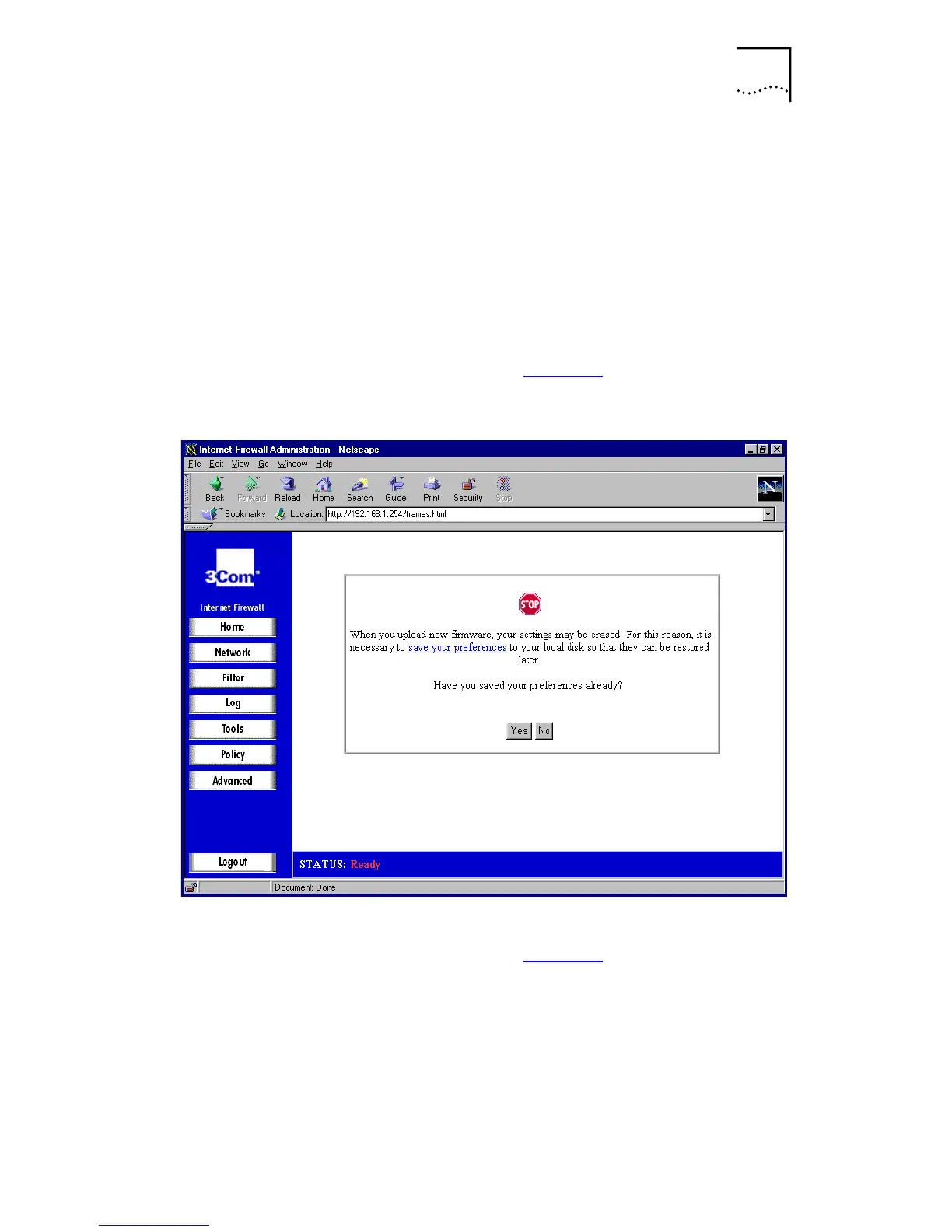
A window similar to that in Figure 41
is displayed.
Figure 41
Save Settings Window
2
Click
Yes
if you have saved the settings.
A window similar to that in Figure 42
is displayed.



 To Next Page