Setting up the Internet Firewall
39
2
Launch the Web browser application.
a
Enter
http://192.168.1.254 or
http://my.3com.com
(the Internet Firewall default
address) into the box at the top of the browser window.
The
Login
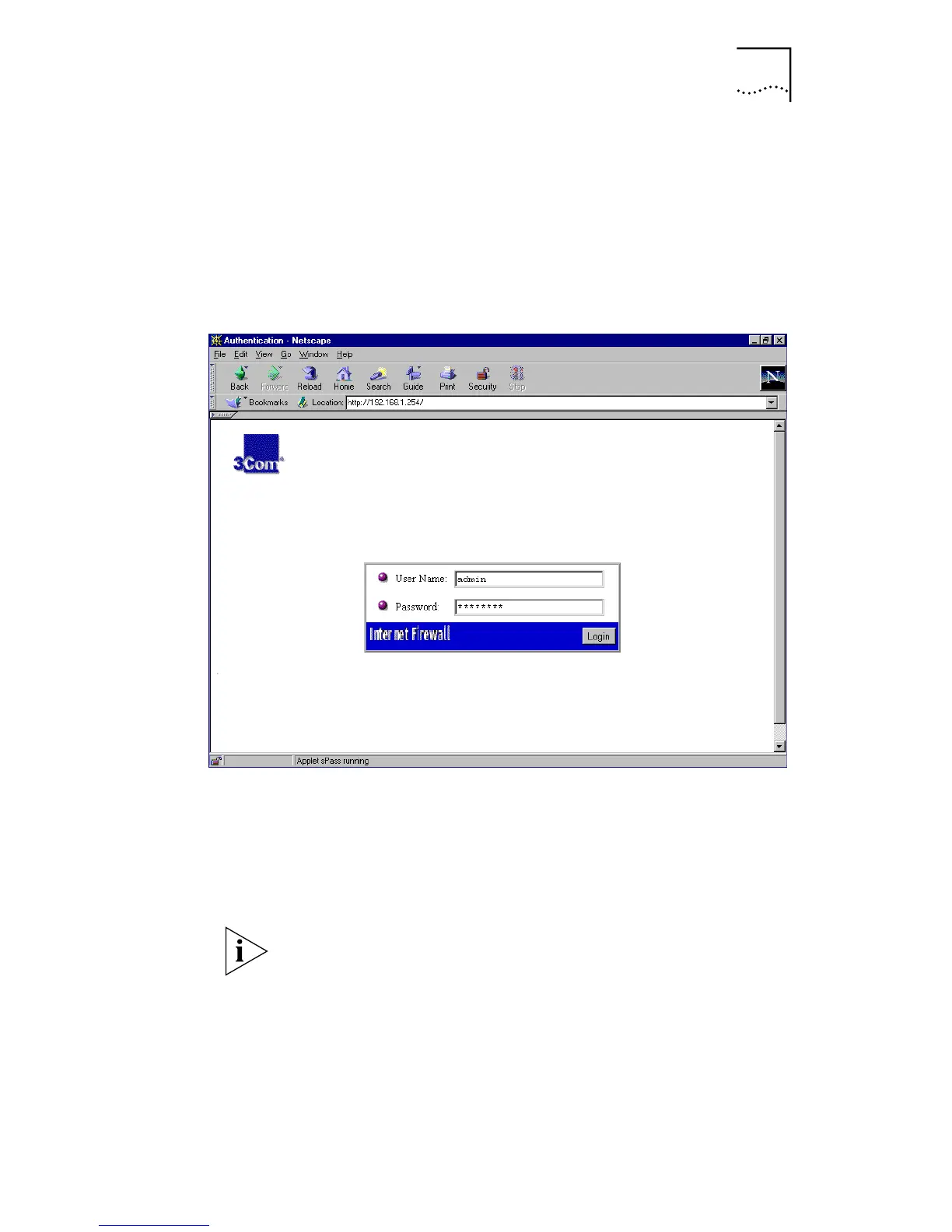
dialog box is displayed.
Figure 7
Login dialog box
b
In the
User Name
field, type the default user name:
admin
c
In the
Password
field, type the default password:
password
d
Click
Login
.
Passwords are case-sensitive. Enter the password exactly as
defined. Make sure the Caps Lock key is not on.
The main screen of the management interface is displayed.



 To Next Page