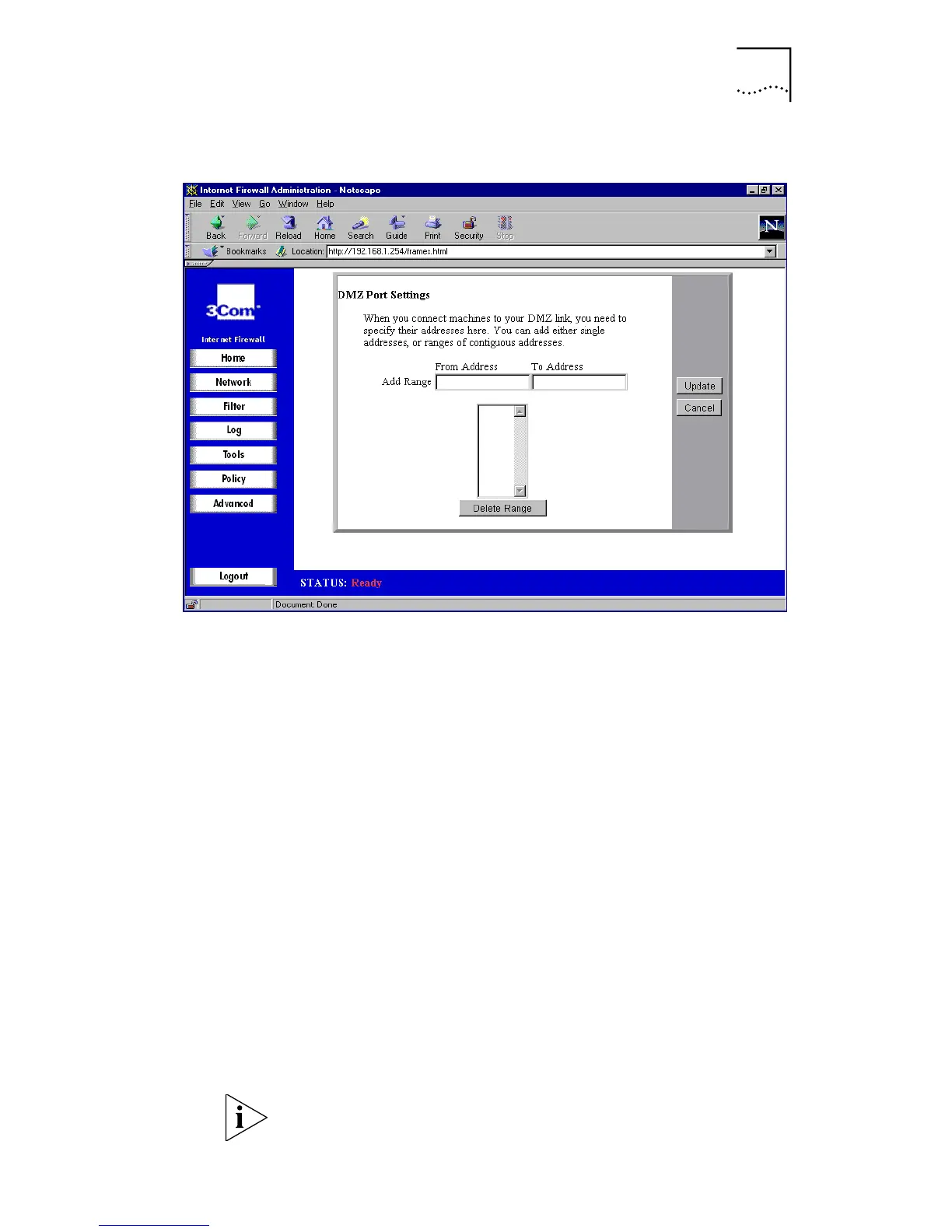
Specifying DMZ Addresses (Internet Firewall DMZ only)
59
Figure 20
DMZ Addresses Window
Alternatively you can select DMZ Port Settings from the
Home Screen graphic.
Each of the servers on the DMZ needs a public IP address.
Obtain these IP addresses from your ISP. Usually, the ISP can
also supply information on setting up public Internet
servers.
Type the addresses for the DMZ individually or as a range.
Type an individual address in the
From Address
box. To
enter a range of addresses, such as the 51 IP addresses
from
199.168.23.50
to
199.168.23.100,
type the
starting address in the
From Address
box and the ending
address in the
To Add ress
box. You can specify up to 64
address ranges.
Click
Update
to send the configuration data to the Internet
Firewall.
To delete an address or range, select it in the
Address
Range
list and click
Delet
e.
Network Address Translation (NAT) does not apply to
servers on the DMZ.



 To Next Page