Logs and Alerts
83
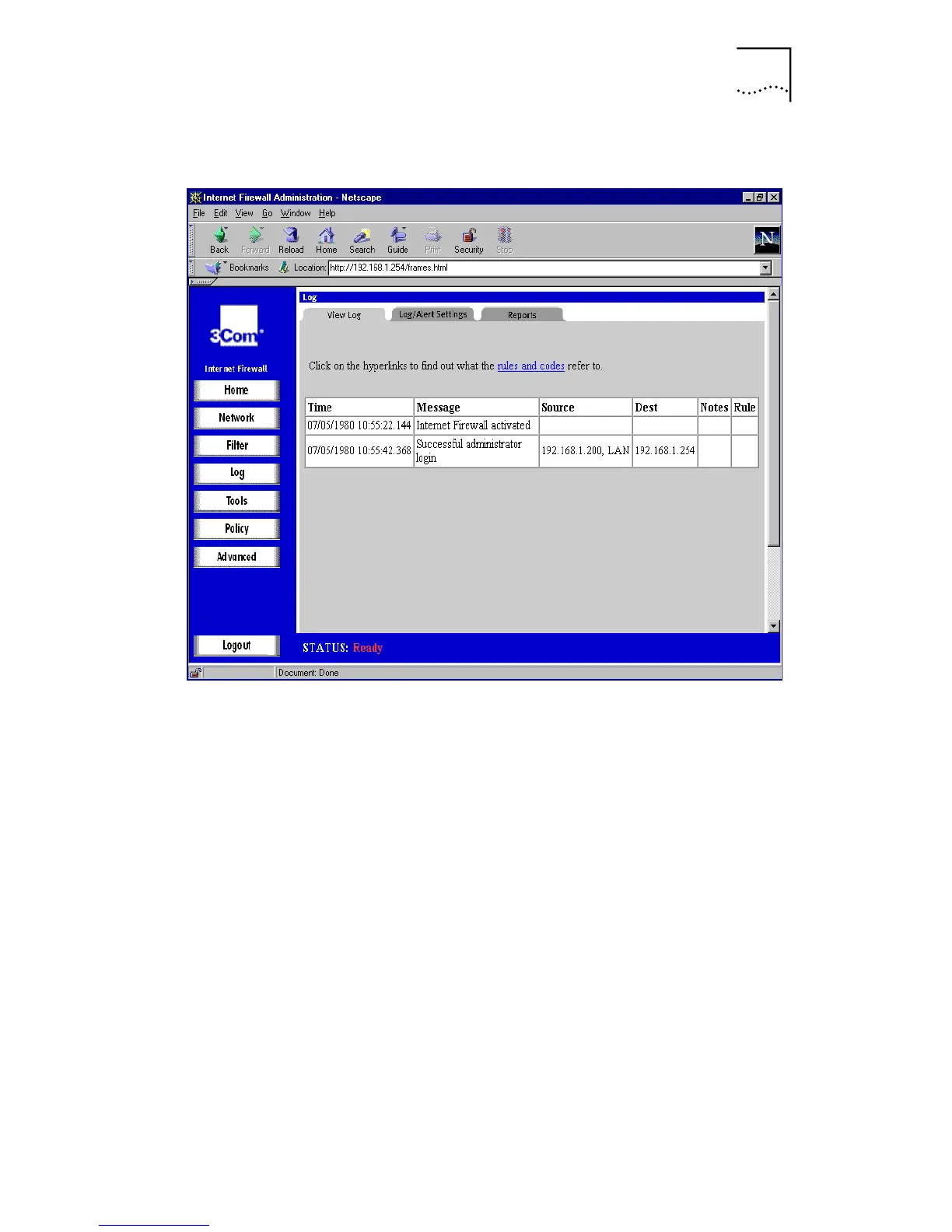
Figure 33
View Log Window
The log is displayed as a list in a table, but may appear
differently when viewed with various browsers. You may
have to adjust the browser’s font size and other viewing
characteristics to display the log data most efficiently.
Depending on the browser, you can copy entries from the
log and paste them into documents. Alternatively, use the
E-mail Log
function and review the log with an e-mail client
rather than with a Web browser.
Each log entry contains the date and time of the event, and
a brief message describing the event. Some entries contain
additional information. Much of this information refers to
the Internet traffic passing through the Internet Firewall.
■
TCP, UDP, or ICMP packets dropped
These log messages describe all traffic blocked from the
Internet to the LAN. The source and destination IP
addresses of the packet is shown. If the packet was TCP
or UDP, the port number, in parentheses, follows each
address. If the packet was ICMP, the number in



 To Next Page