83D Systems, Inc.
UNPACKING AND SETTING UP YOUR CUBEPRO
CAUTION: Due to the size and weight of the printer, this procedure may require more than one person. Ensure
there are enough people to safely and comfortably move the printer to its nal location.
NOTE: Ensure that you save all foam and packing material for the future repacking of your CubePro. Shipping the
printer without original packing materials may cause damage to the printer.
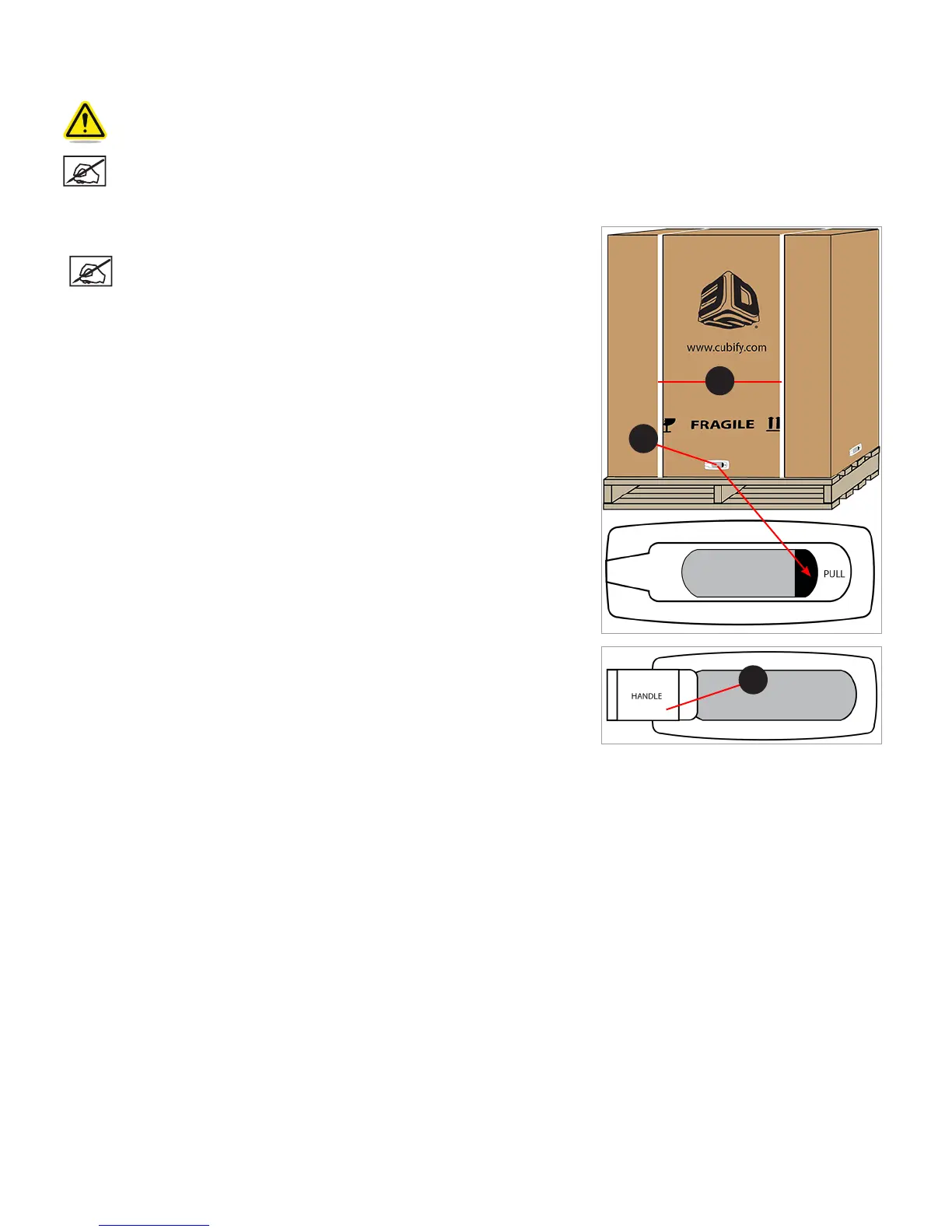
1. Carefully cut the straps (A) and then pull the tabs (B) on all four release clips.
NOTE: There is one release clip on each side of the box.
2. Pull the handles (A) and remove the release clips from the outer box.
B
A
A












 To Next Page