783D Systems, Inc.
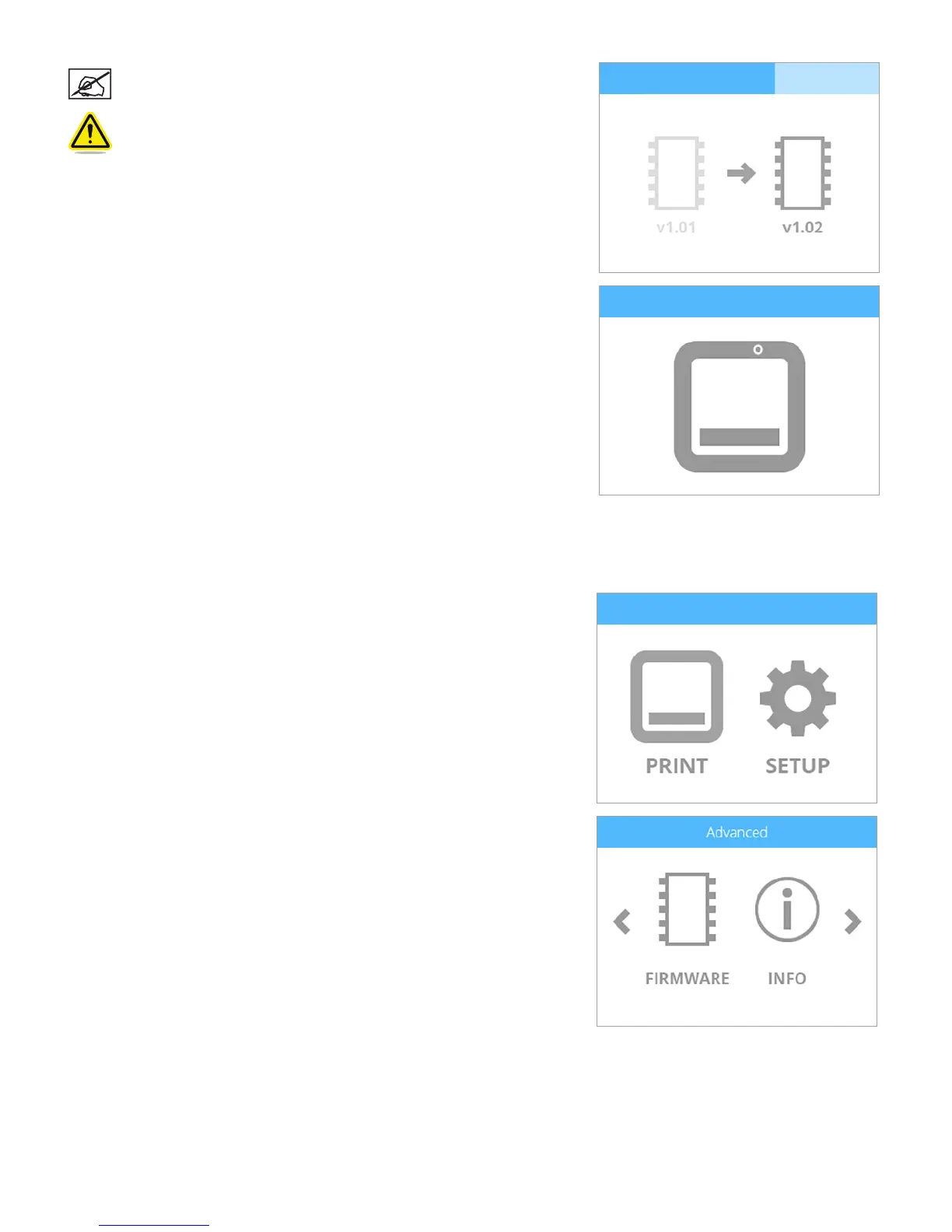
NOTE: Wait until the update has been completed.
WARNING: DO NOT POWER OFF OR DISCONNECT THE PRINTER
FROM UTILITY POWER DURING THE UPDATE PROCESS.
5. Press and release the touchscreen display ON/OFF button and the display will
restart.
Updating Firmware Using WI-FI
To update the rmware using the wireless utility, the printer must be connected to a wireless network.
1. Select SETUP.
2. Navigate to the Advanced screen and select FIRMWARE.











 To Next Page