203D Systems, Inc.
INSTALLING A MATERIAL CARTRIDGE
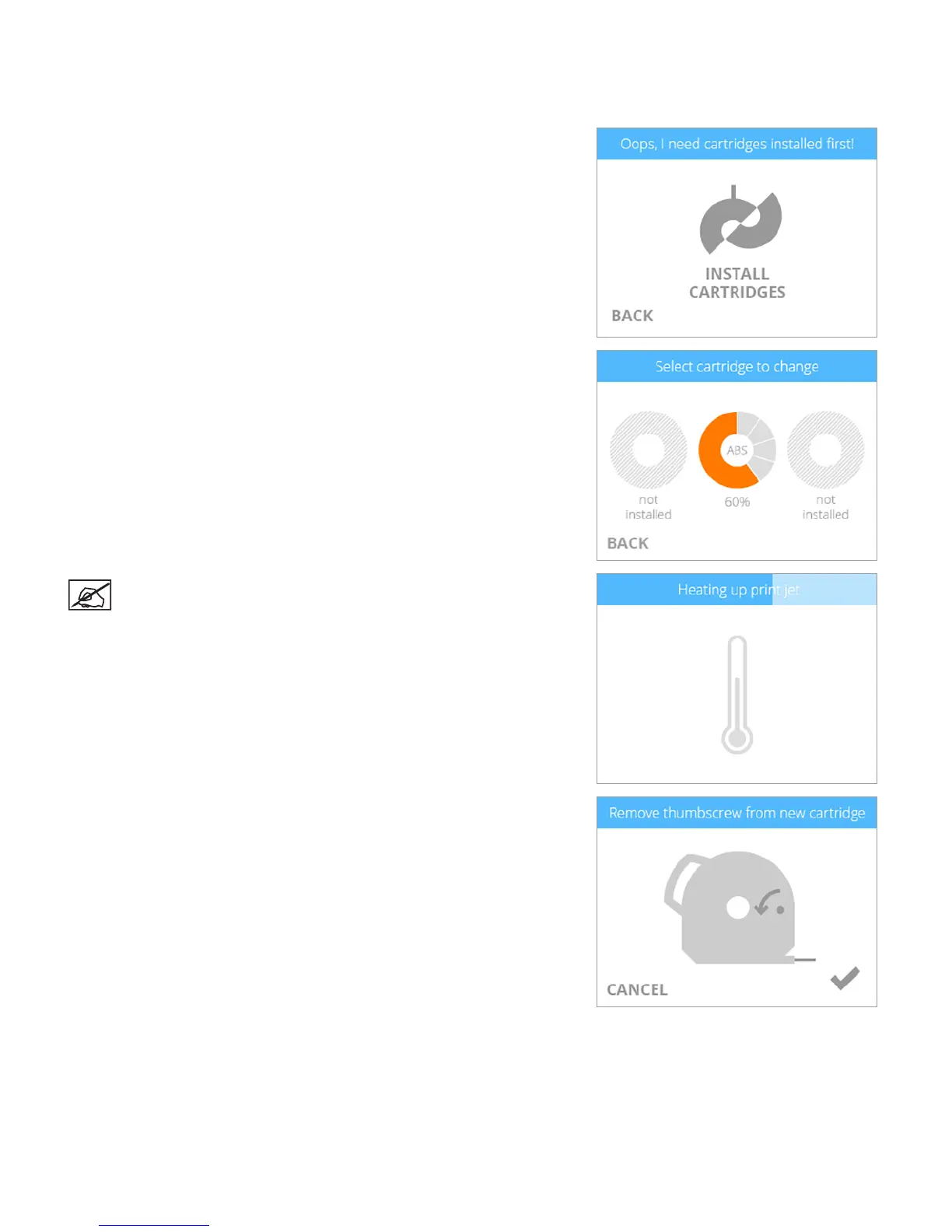
Before the printer will print a creation, the correct type of cartridge(s) must be installed in the printer. If the printer recognizes that no
cartridge has been installed, the display will prompt you to install the appropriate cartridge.
1. Select INSTALL CARTRIDGES.
2. Select the cartridge to be installed.
NOTE: The print jet will begin to heat.
3. Open the packaging and remove the thumbscrew from the new cartridge.
Select the checkmark to continue.












 To Next Page