153D Systems, Inc.
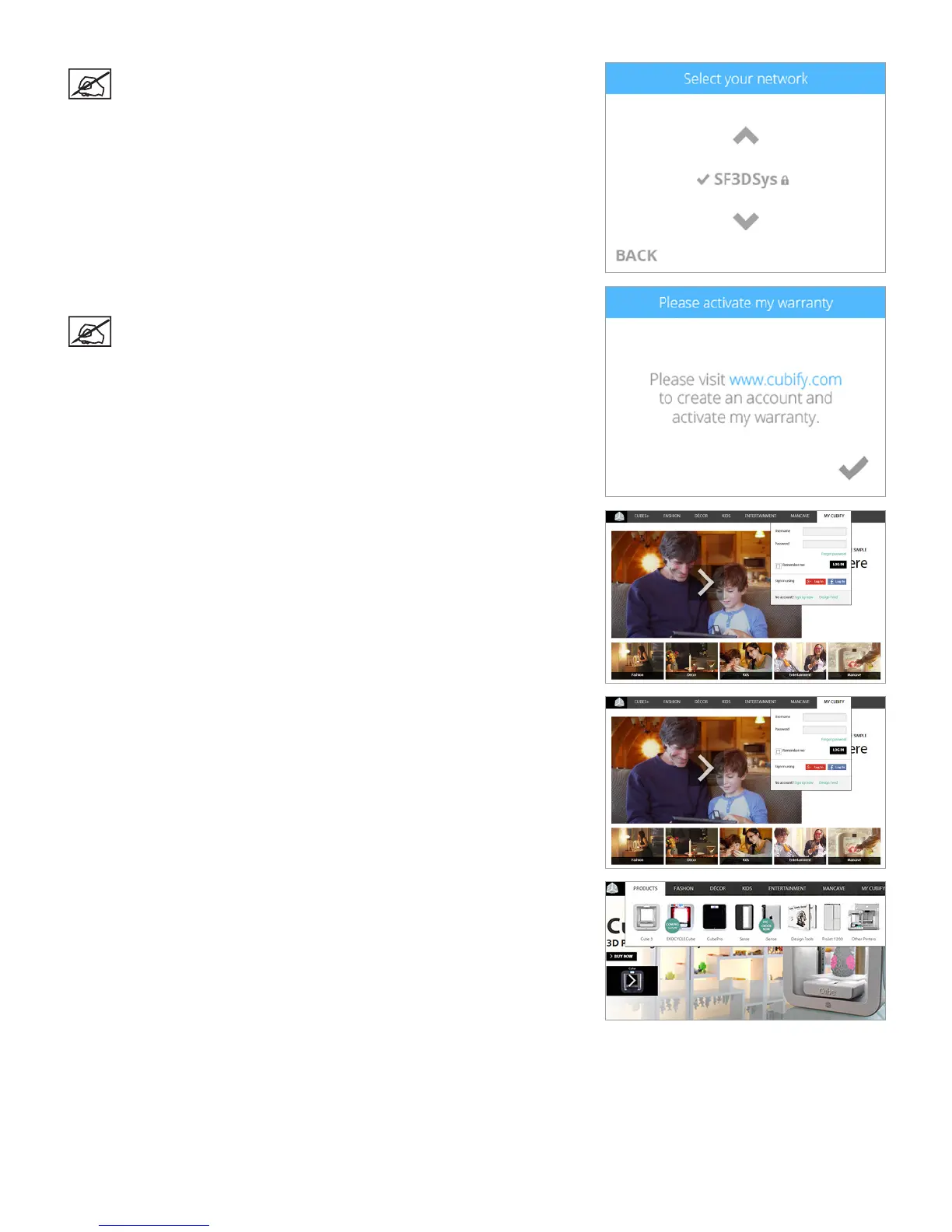
NOTE: Connection to a network is conrmed when a checkmark
appears to the left of the network name. If the network is secured, a
lock icon will appear to the right of the network name.
4. Select the checkmark to continue the warranty activation process.
NOTE: You must create a Cubify account to activate the printer.
5. To create a Cubify account, go to www.cubify.com and select My Cubify. Select
Create an Account and enter the registration information.
6. Log in to Cubify.com. Go to www.cubify.com and select My Cubify. Enter your
username and password and select Login.
7. Select CubePro from the Products dropdown menu.












 To Next Page