173D Systems, Inc.
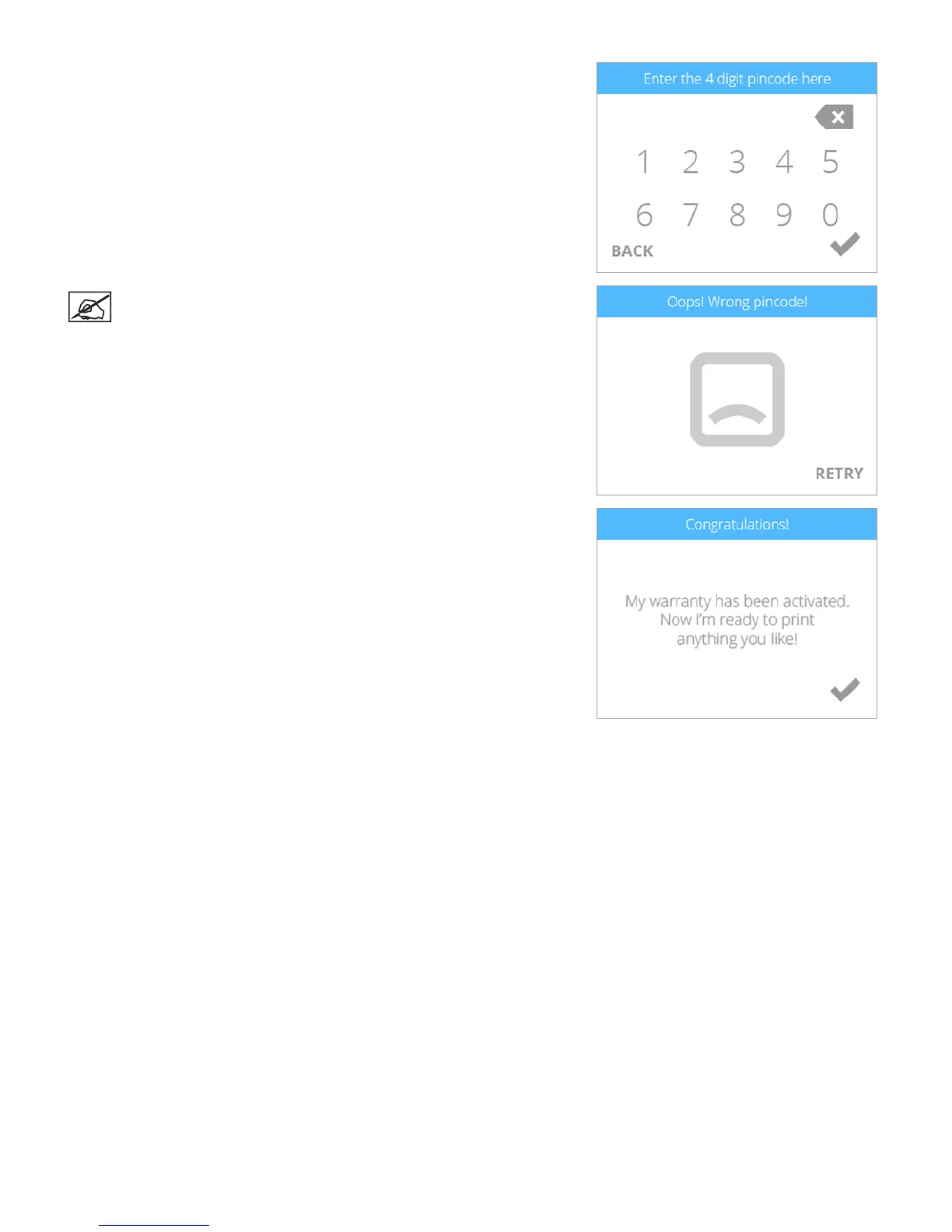
11. After receiving your activation code during the registration and warranty
activation process, enter your 4-digit code in the touchscreen display. Select
the checkmark to continue.
NOTE: If the wrong activation code was entered, select RETRY and
enter the activation code again.
12. Select the checkmark to complete the activation process. Your printer is now
ready to print a creation.












 To Next Page