583D Systems, Inc.
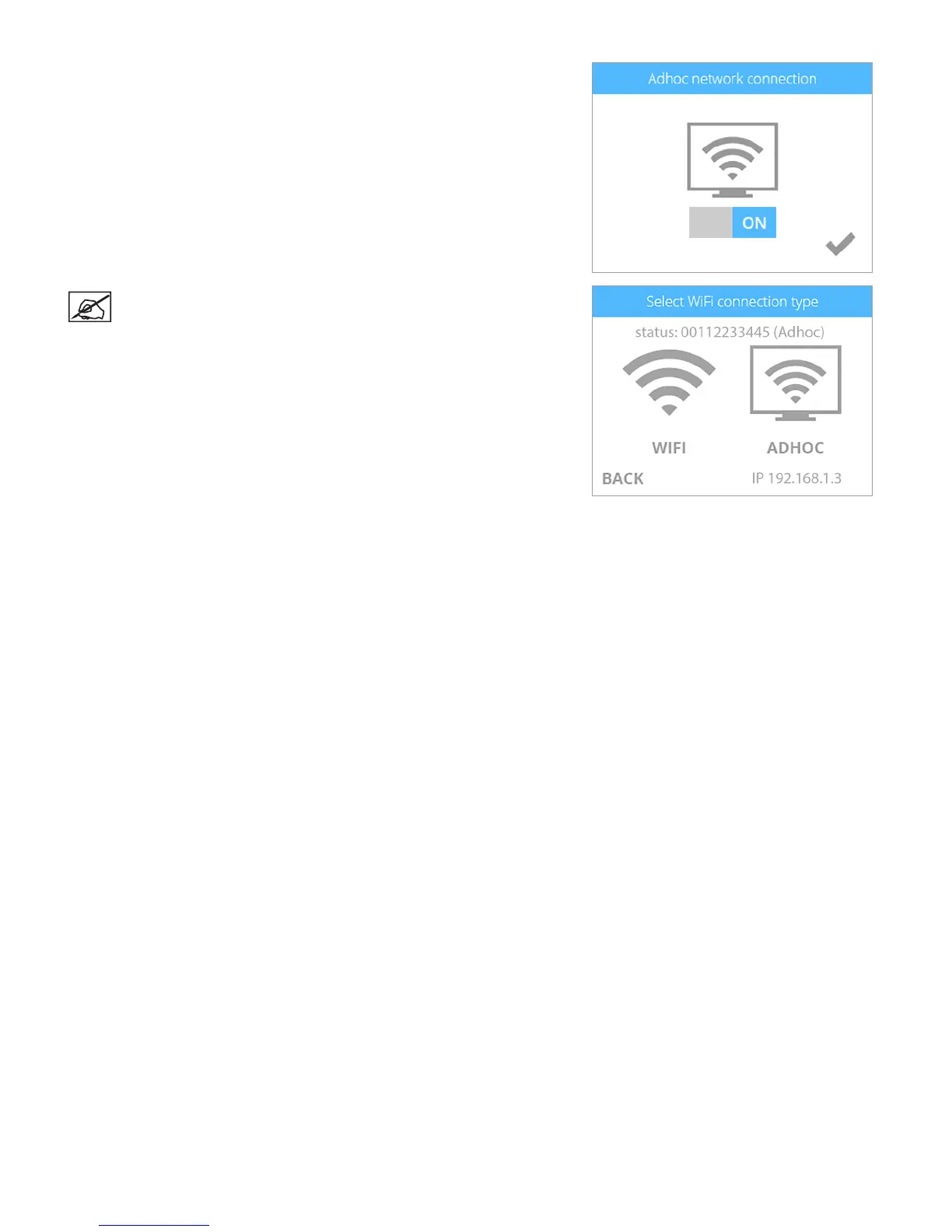
6. Conrm your choice by selecting the checkmark.
NOTE: The Select WIFI Connection Type screen will display the ad
hoc status as well as the IP address of the printer.
7. In Windows®, select Start > Control Panel.
8. Type network in the search box.
9. Select Network and Sharing Center.
10. Select Set up a new connection or network.
11. Select Set up a wireless ad hoc (computer-to-computer) network.
12. Select Next.
13. Follow the steps in the wizard.












 To Next Page