733D Systems, Inc.
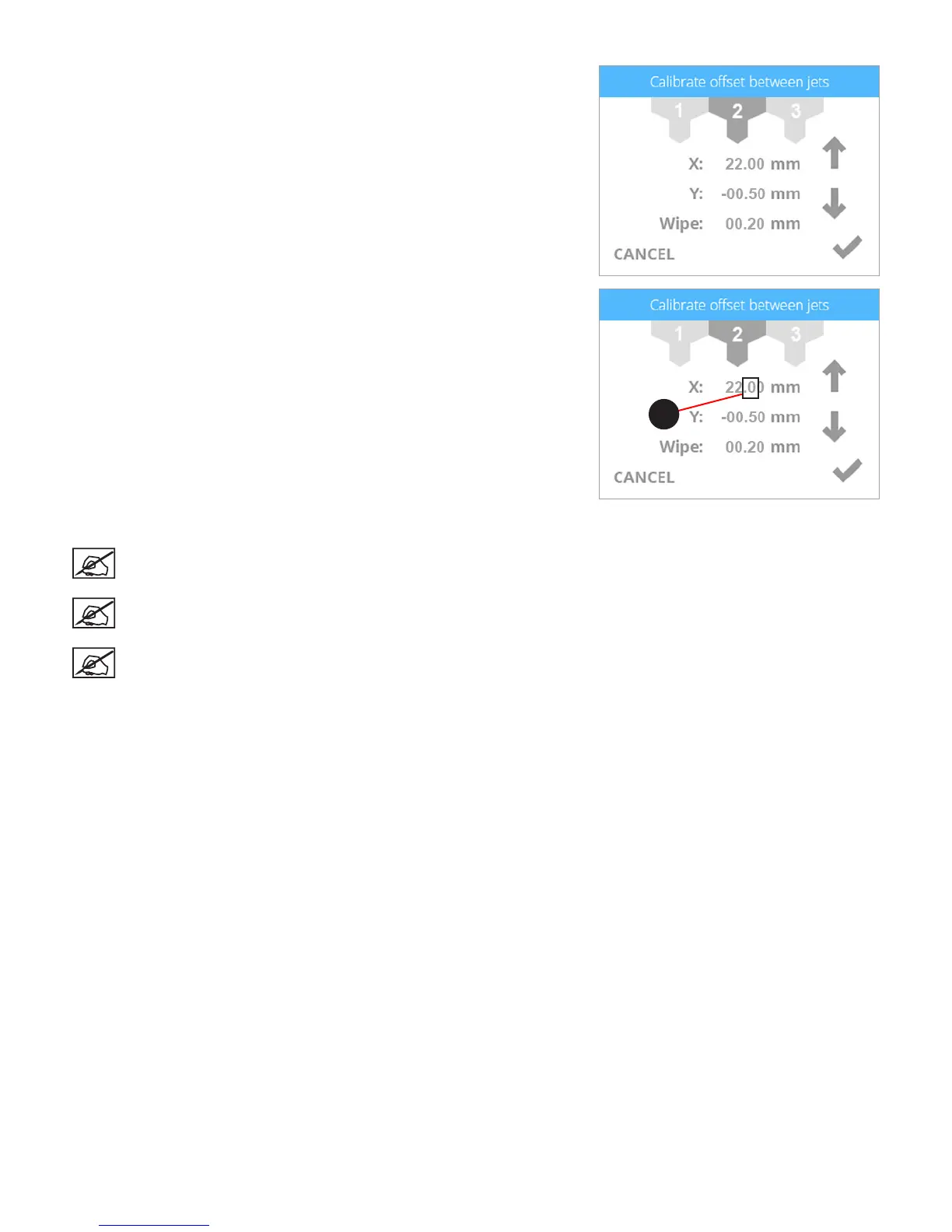
10. When adjusting print jet 2, select 2.
11. Referring to the illustration at the beginning of this procedure, print jet 2 needs
to be increased by .3 mm. Select the value until the rst digit (A) to the right of
the decimal point is highlighted.
12. Press the up arrow three times to increase the value to 22.30 mm.
NOTE: Pressing the up arrow increases (+) the value. Pressing the
down arrow decreases (-) the value. Pressing the value repeatedly
will scroll through the digits left-to-right.
NOTE: You can also select the Y-axis settings and adjust those
settings the same way.
NOTE: If a value of 1 mm or larger are required, press the value
until the rst digit to the left of the decimal is highlighted and press
the up arrow accordingly.
13. Once nished adjusting the settings, select the checkmark to continue.
14. Remove the original calibration print from the print pad. Reprint the calibration
le and verify that the arrows align properly on the X-axis and Y-axis.
A












 To Next Page