803D Systems, Inc.
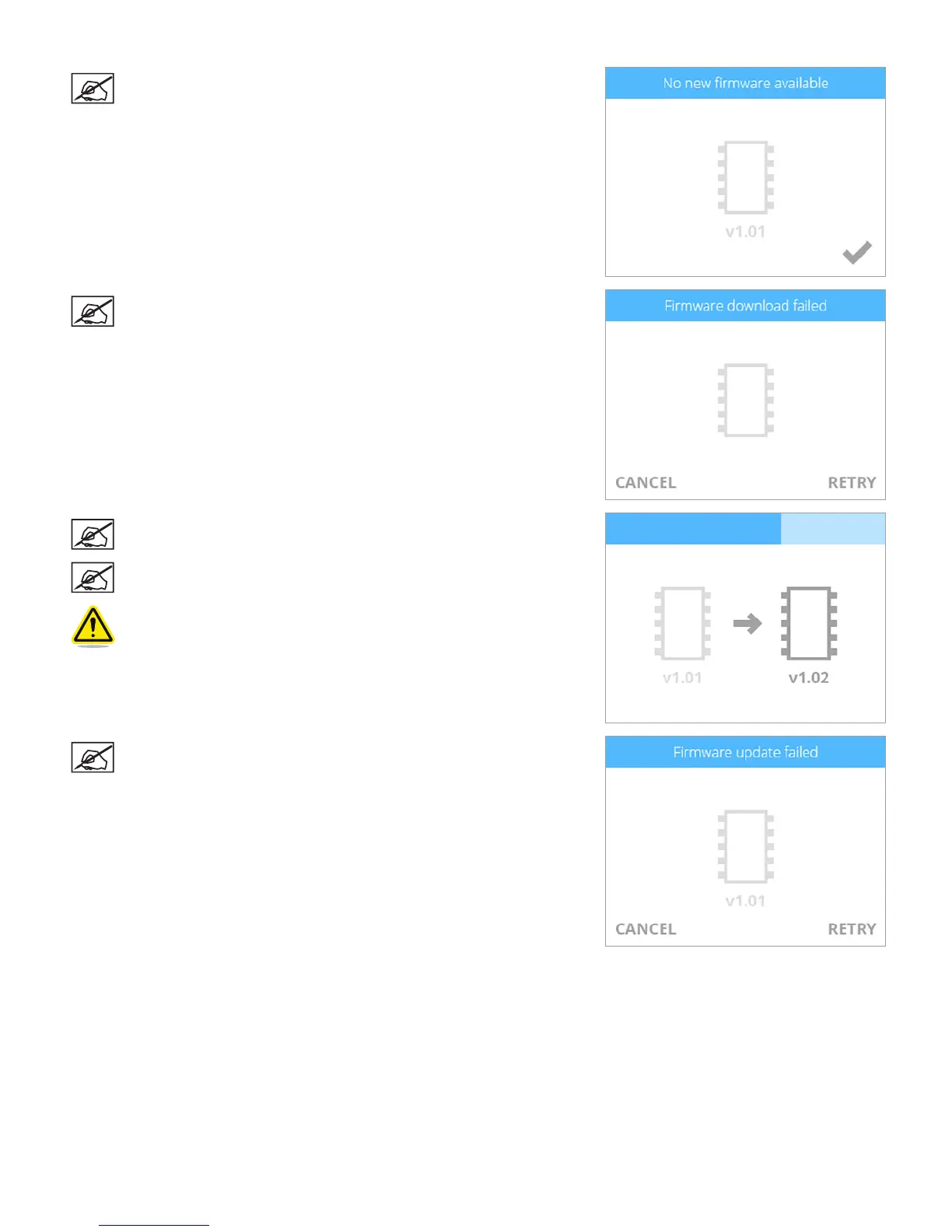
NOTE: If no new rmware is available, select the checkmark to
continue.
NOTE: If the rmware download fails, select RETRY to start the
download again. Select CANCEL if you do not want to update the
rmware.
NOTE: The rmware will begin to install. The blue bar is also a
progress indicator.
NOTE: This process could take a few minutes.
WARNING: DO NOT POWER OFF OR DISCONNECT THE PRINTER
FROM UTILITY POWER DURING THE UPDATE PROCESS.
NOTE: If the rmware update fails, select RETRY to attempt to
install the rmware again. Select CANCEL if you do not want to
update the rmware.












 To Next Page