User’s Manual
Enterprise Access Point ENGLISH
Copyright © 4IPNET, INC. All rights reserved.
The EAP701 is now connected to your existing wired LAN network.
Step 3. There are three ways to supply power to EAP701
a) Connect the DC power adaptor to the power jack socket.
b) The Uplink port is capable of receiving PoE. Connect an IEEE 802.3af-compliant PSE device
(e.g. a PoE-switch) to the Uplink port of EAP701 with the Ethernet cable.
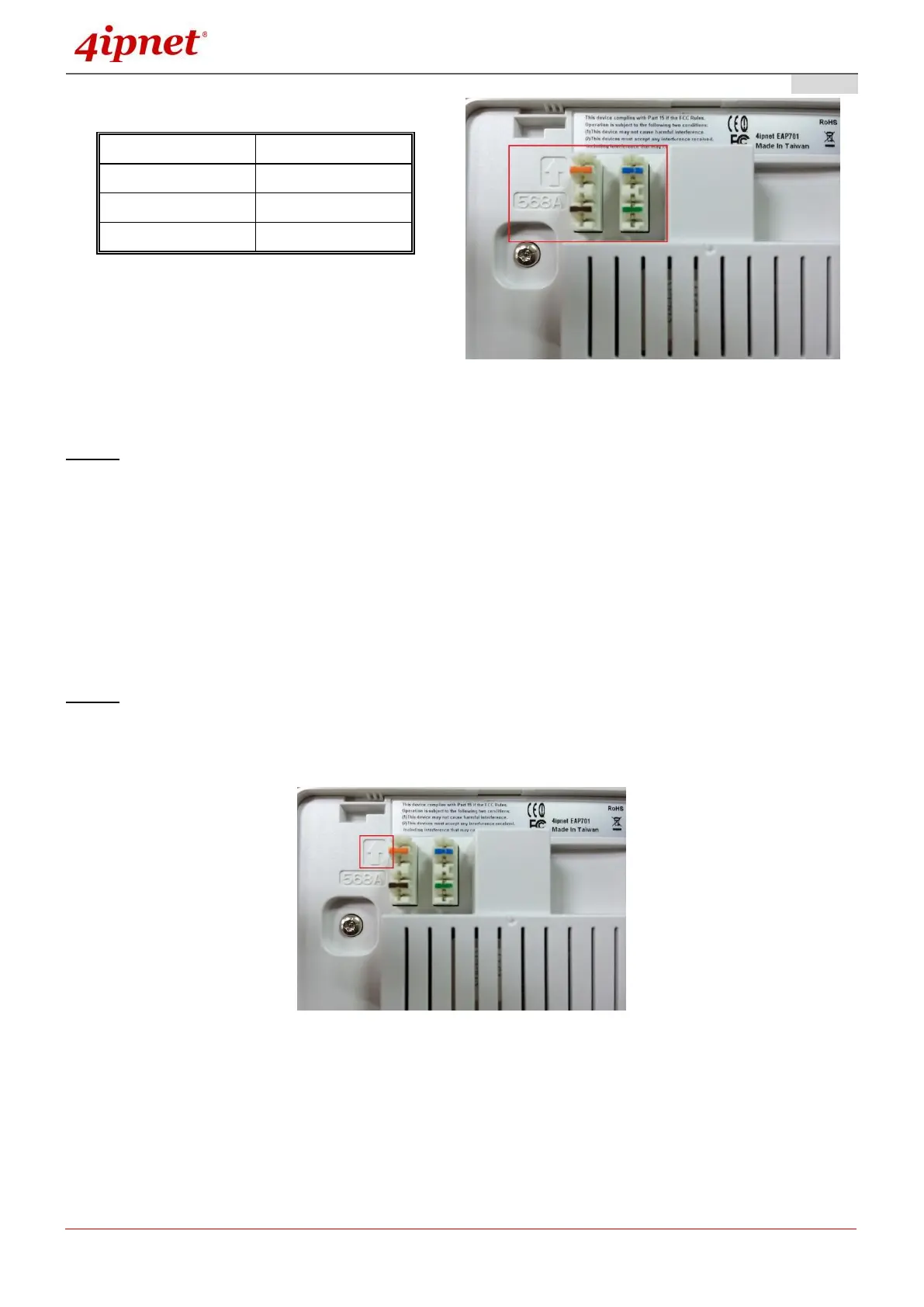
c) Use a standard 110 punchdown tool to punch copper wires onto the punchdown block (pin
assignment 568A)
Step 4. Fasten the Access Point to the mounting plate
a) Align the Access Point to the mounting plate using the arrow printed on the back of the Access
Point.



 To Next Page