User’s Manual
Enterprise Access Point ENGLISH
Copyright © 4IPNET, INC. All rights reserved.
b)
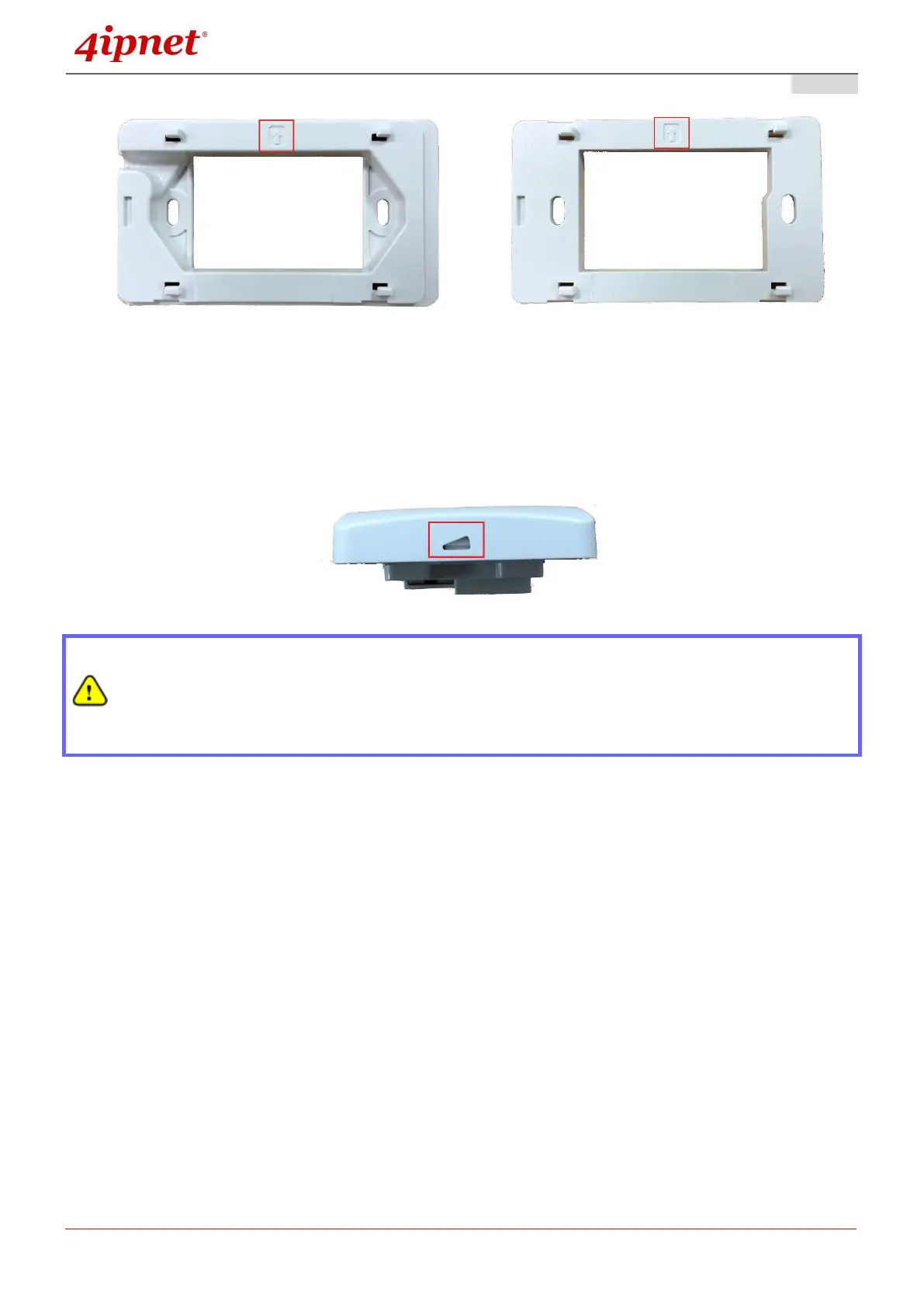
b) Align the Access Point to the 4 hooks and snap Access Point to the mounting plate
c) To detach Access Point from the mounting plate, insert the Unfastening Tool (provided)
horizontally into the slit, turn counter-clockwise and slide the Access Point towards the
unfastening tool:
Punch down tools may vary by country. Please contact the 4ipnet Support Team for
recommendations if needed.
Please use only the power adapter supplied with the package. Using a different power
adapter may damage this system.
To verify the wired connection between the AP and your switch / router / hub, please also
check the LED status indicator of the respective network devices.



 To Next Page