BM series 67
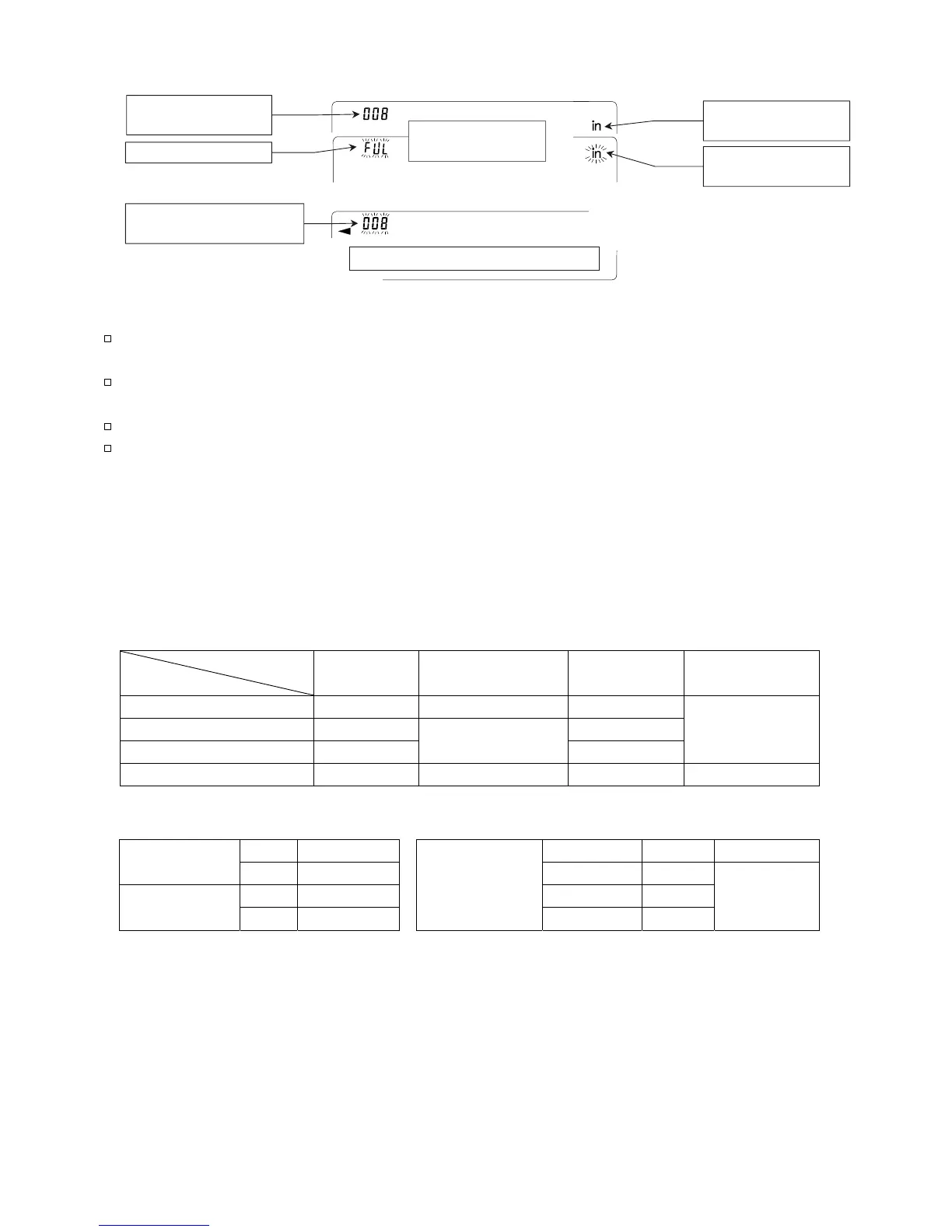
Display symbols for data memory
Notes
When weighing data is being stored in memory, the data can be output to a personal
computer using the RS-232C interface at the same time.
"fUl" indicates that memory is full or the memory capacity has been reached. More data
cannot be stored unless the memory data is deleted.
Automatic self calibration cannot be used while the interval memory mode is active.
The following commands cannot be used during data storage.
Q Query command for weighing data.
S Query command for stable weighing data.
SI Query command for weighing data.
SIR Query command for continuous weighing data.
Setting the function table
Parameter settings for each output mode are as follows:
Item
Mode
Data output
mode
Auto print polarity,
difference
Data memory
function
Interval time
Key mode prt 0 Not used data 1
Auto print mode A prt 1 data 1
Auto print mode B prt 2
ap-a 0 to 2
ap-b 0 to 2
data 1
Not used
Interval mode prt 3 Not used data 1 int 0 to 8
Additional parameter settings, as follows:
No d-no off No 5-td 0 200 sets
Data number
Yes d-no on Time only 5-td 1
No 5-id off Date only 5-td 2
ID number
Yes 5-id on
Time and date
Both 5-td 3
100 sets
Memory data being displayed
Interval memory
standby indicator
Interval memory
active indicator
Number of data
in memory
Data number of the dat



 To Next Page