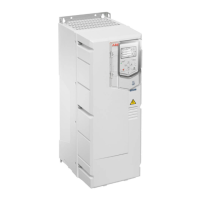
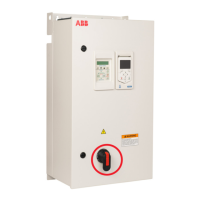
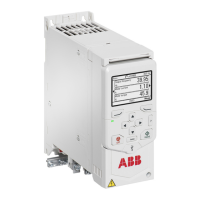
Unpacking the delivery
Keep the drive in its package until you are ready to install it. After unpacking,
protect the drive from dust, debris and moisture.
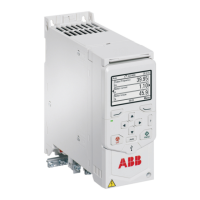
Make sure that these items are included:
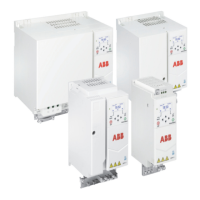
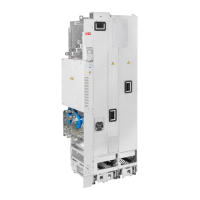
• drive
• options, if ordered with an option code
• assistant control panel (not installed)
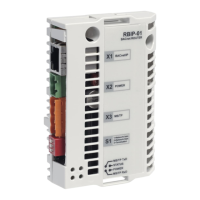
• RIIO-01 I/O & EIA-485 module (not installed)
Note: If a fieldbus adapter is ordered, it replaces the RIIO-01 I/O & EIA-485
module of the standard delivery.
• mounting template (drives with frame size R3 or R4 only)
• installation accessories (cable clamps, cable ties, hardware)
• multilingual warning sticker sheet (residual voltage warning)
• safety instructions
• quick installation and start-up guide
• hardware and firmware manuals, if ordered with an option code.
Make sure that there are no signs of damage to the items.
Installing the drive
■
To install the drive with screws
1. Make marks onto the surface for the mounting holes. Use the included
mounting template for frames R3 and R4. For other frames, see the dimension
drawings.
2. Drill the holes for the mounting screws.
3. If necessary, install anchors or plugs into the holes.
Mechanical installation 41


 To Next Page