Operating Instructions
Busch-ComfortTouch
®
Operation
Operating Instructions | 1473-1-8041 — 18 —
Additional basic principles
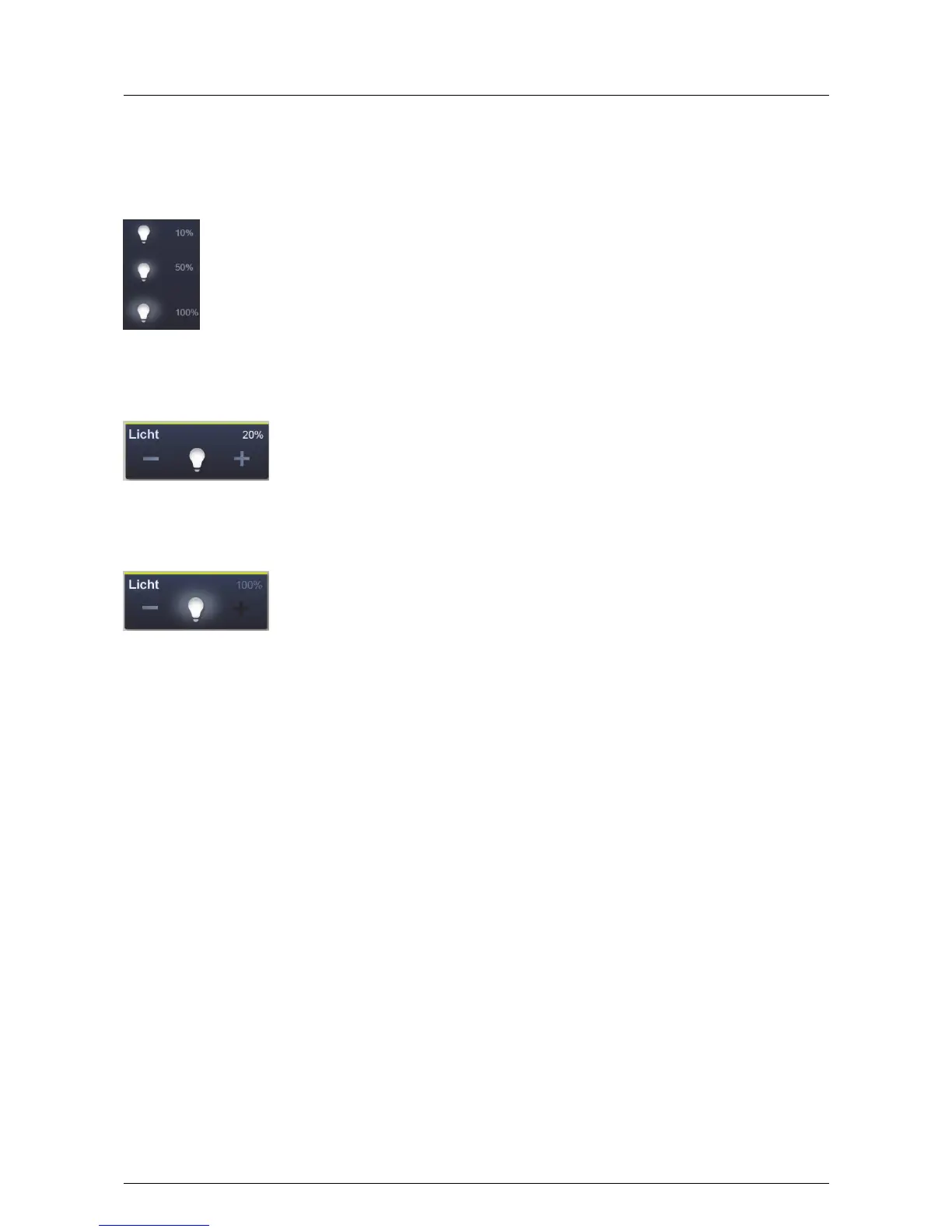
Function buttons of dimming control elements can display different stages of dimming by means of alternating
icons (e.g. larger light halo around the icon).
Default settings of steps (e.g. dimming steps, fan speed levels) are shown in white / bright lettering / icons. The
step or level values can be specified. The following example shows the brightness value of "20%". A 1-byte
feedback signal results.
If a selection or setting cannot be made, the colour of the lettering / icons appears dark. In the following example
the uppermost setting for dimming has been reached ("100%"). Increased dimming is not possible, and that is why
"Plus (+)" and "100%" appear in a dark colour.
Active elements or functions are displayed in white / bright lettering / icons.



 To Next Page