Operating Instructions
Busch-ComfortTouch
®
Operation
Operating Instructions | 1473-1-8041 — 19 —
Adjustable control elements
Push-buttons (basic versions, which can be adapted further)
Simple switches can be implemented with push-buttons. This makes light switches or switches for simple
switching processes based on push-buttons possible.
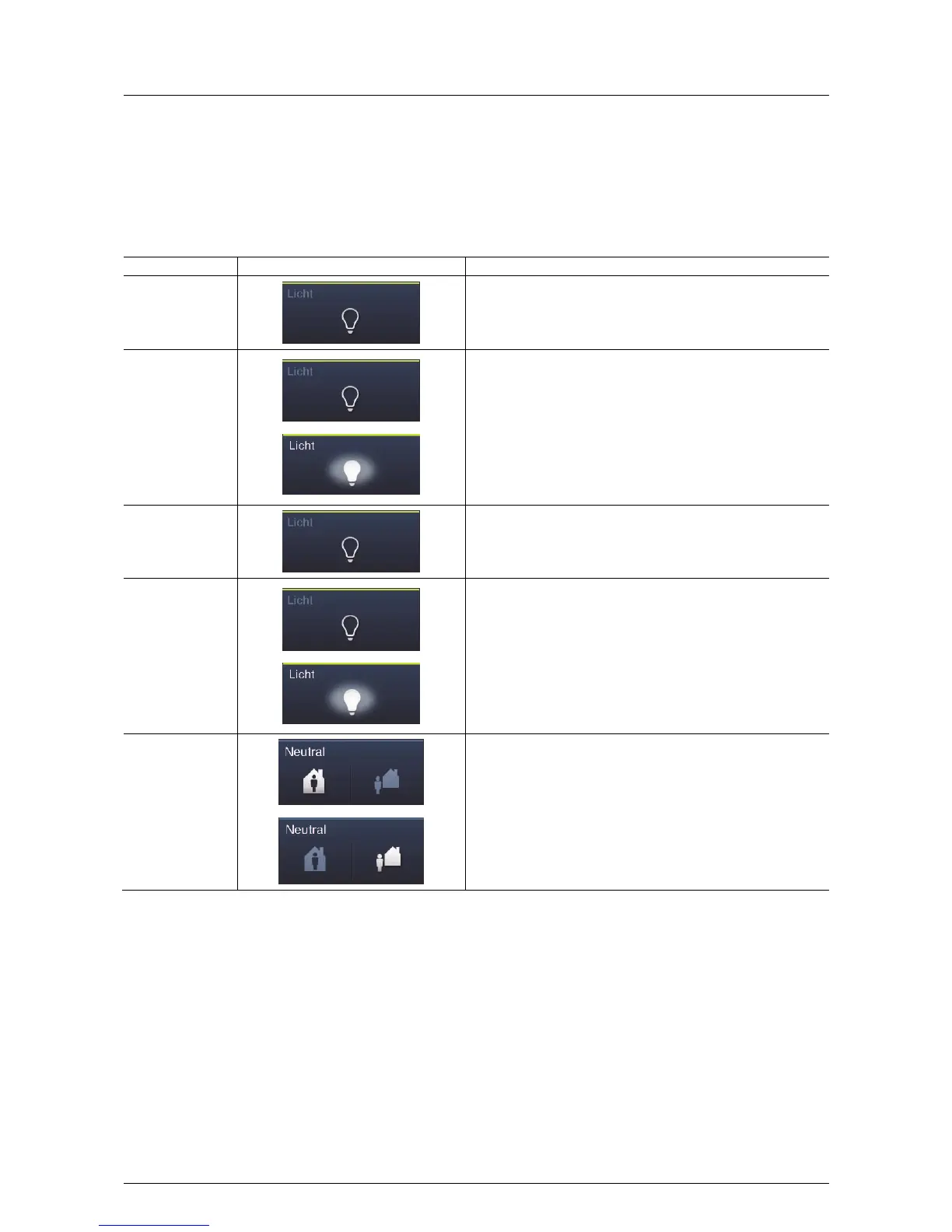
Control element State Function
Push-button (Light)
A simple light push-button always transmits the same value when it
is pressed. Its status remains unchanged (e.g. "On").
Also value 1 can be sent at a rising edge and value 2 at a falling
edge.
Switch (Light)
A reverser light push-button alternately sends one of two values
when actuated and alternates between two statuses (e.g. "On" and
"Off").
Push-button
(Neutral)
A simple neutral push-button always transmits the same value when
it is pressed. Its status remains unchanged (e.g. "On").
Also value 1 can be sent at a rising edge and value 2 at a falling
edge.
Switch (Neutral)
A reverser light push-button alternately sends one of two values
when actuated and alternates between two statuses (e.g. "On" and
"Off").
Rocker switch
(Neutral)
A neutral push-button with rocker function when actuated on the right
or left side of the rocker sends out a switching telegram. A
differentiation is made between whether the rocker is actuated on
the left or on the right side. This allows one of two versions to be
selected. A neutral push-button with rocker function can be used to
call up two different scenes for example (in the example: "Presence"
or "Absence").



 To Next Page