Operating Instructions
Busch-ComfortTouch
®
Operation
Operating Instructions | 1473-1-8041 — 24 —
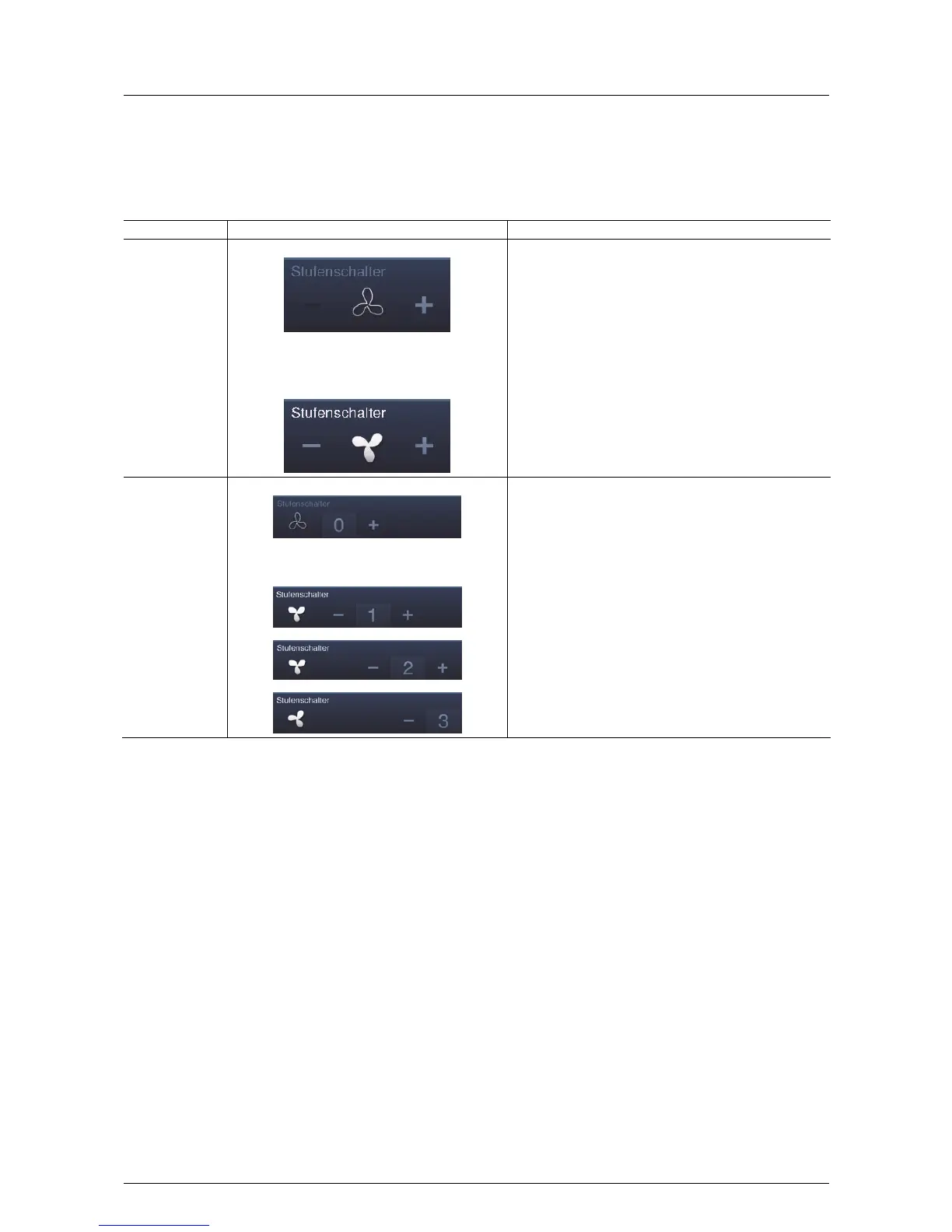
Step switches (basic versions, which can be adapted further)
You can implement switch sequences with step switches. A step switch effectively combines several push-buttons
into one control element.
Control element Status Function
Step switch
without step
display
Device is off:
Device on and adjustable (as soon as the upper
setting limit has been reached, the right icon
appears dark (in this example)):
The version without step display (and without slider) has two
buttons left and right for calling up the next or previous step
and a button in the centre. By pressing the right / left button
a few times one reaches the next higher or lower step. The
button in the middle returns the step switch to the bottom
step (= "Off"). The icon in the middle can be animated during
adjusting.
Step switch with
step display
Device is off:
Device on and adjustable (adjustment only with
buttons -> slider only displays):
The version with step display (with slider) has a button to
reset the step switch (= off) and buttons to call up the next or
previous step. In addition, it uses a slider to show which step
is currently on. The slider cannot be operated. The icon in
the middle can be animated during adjusting.



 To Next Page