Operating Instructions
Busch-ComfortTouch
®
Operation
Operating Instructions | 1473-1-8041 — 28 —
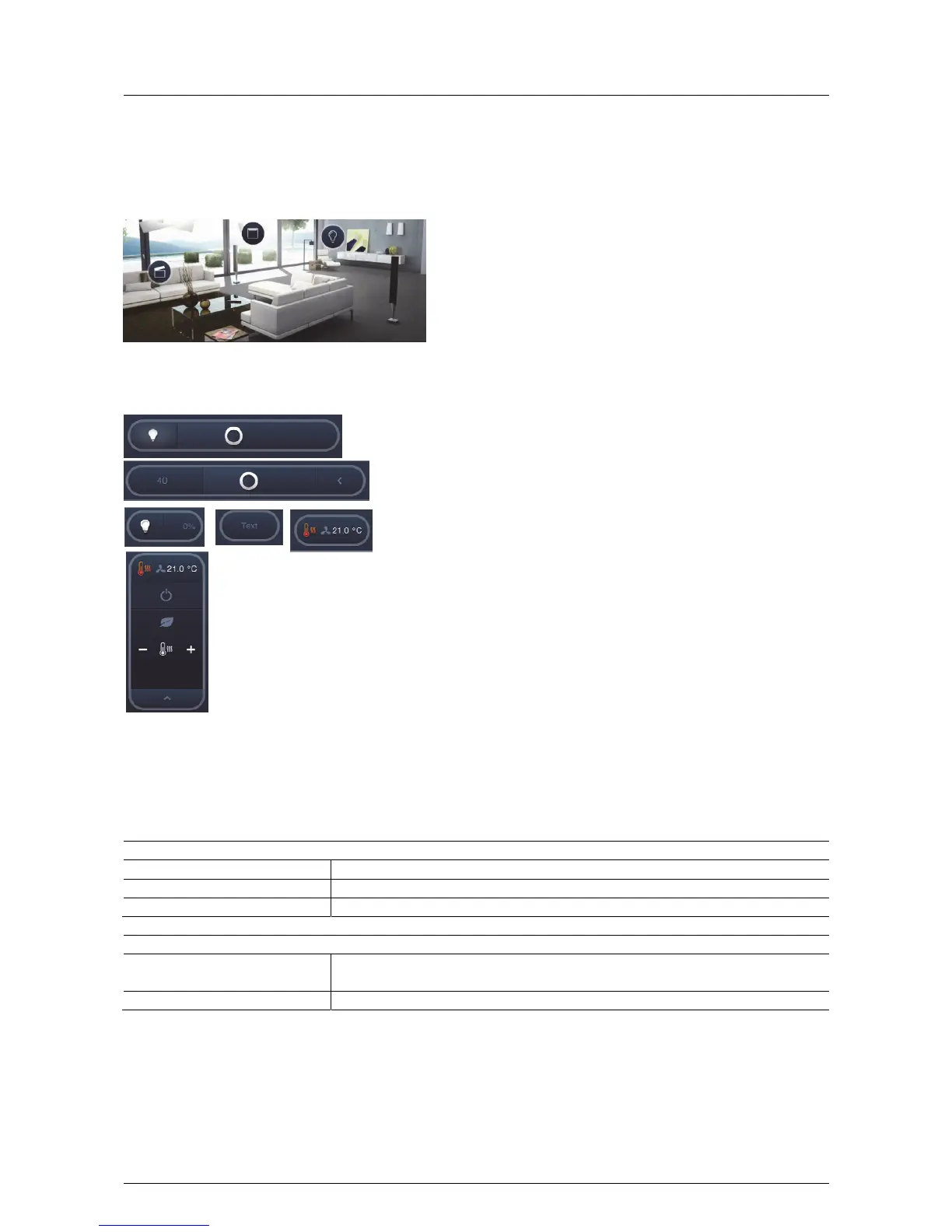
Special forms, bubble display
For the room view most control elements can also be used as "Bubble display". Operation is then similar to that
described.
Some display forms are listed in the following:
Generally the activation (e.g. On-Off) is carried out by pressing the icon. This is also how additional functions can
be opened, such as controllers, for example. The "Bubble" opens itself accordingly. Additional functions can also
be displayed by pressing the arrow buttons.
Examples of special control:
Blind controller:
Press the icon The controller opens
Brief press on the arrows Stepwise adjustment
Long press on the arrows Standard procedure
Dimmer:
Press the icon The controller opens and the lamp is switched on.
Control via -/+
Renewed press on the icon The lamp is switched off



 To Next Page