Operating Instructions
Busch-ComfortTouch
®
Operation
Operating Instructions | 1473-1-8041 — 79 —
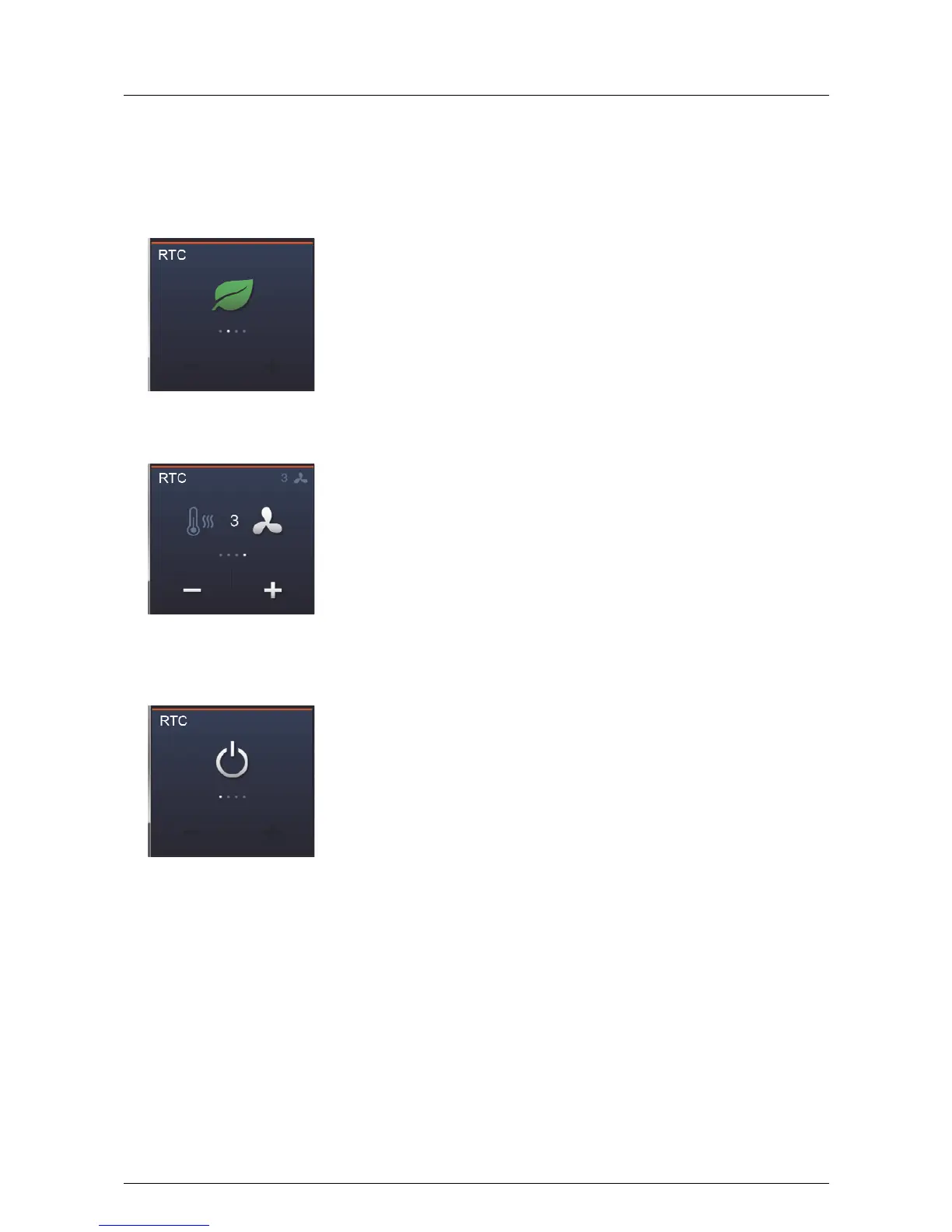
– Eco mode:
The eco mode is indicated by means of a green leaf. Additional settings cannot be made. The settings are
made via the project planning software of the Busch-ComfortTouch
®
. Here it can also be specified that a
manual adjustment is admissible!
- Only fan operation:
Here only the fan system can be operated (for a description, see page 78 "Fan setting").
- The room temperature controller is deactivated
No settings can be made. To reactivate the room temperature controller, a different operating mode must be
selected.



 To Next Page