Operating Instructions
Busch-ComfortTouch
®
Operation
Operating Instructions | 1473-1-8041 — 78 —
Fan setting
The fan setting is a "Step switch". The fan setting can be switched up or down via the buttons. Also the step
currently switched is displayed.
Operation
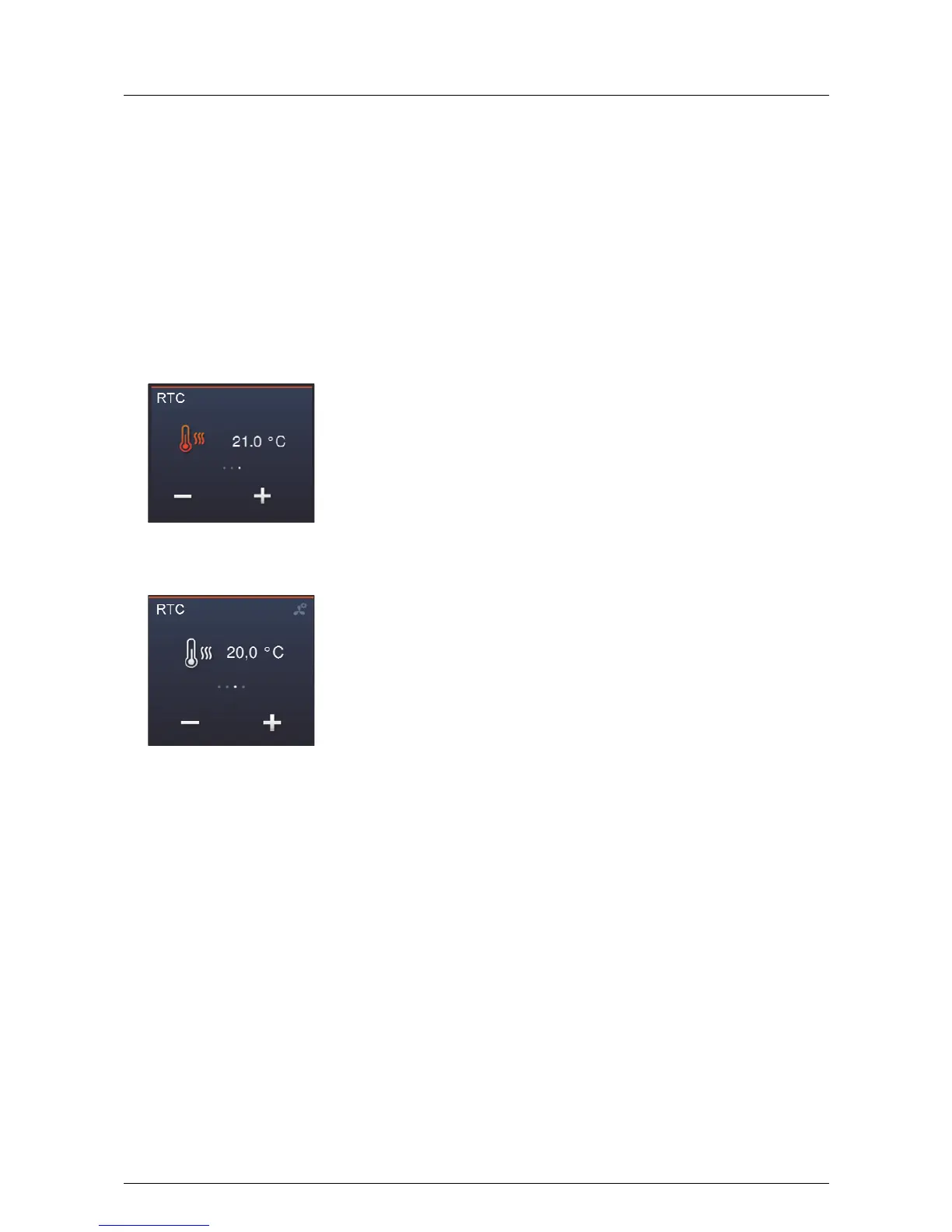
The modes and settings are visually highlighted by means of a colour system.
Some typical applications are shown in the following.
- Heating mode active:
Star heating mode since the actual temperature is lower that the set-point temperature.
– Cooling mode active:
Start cooling mode since the actual temperature is higher than the set-point temperature.
– Manual adjustment.
The set-point temperatures can also be adjusted manually. Simply press the buttons.



 To Next Page