ScreenMaster RVG200
Paperless recorder 7 Configuration
OI/RVG200-EN 129
7.12 Logic editor
Note. The logic equation editor tabs are displayed only if the Math / Logic option is enabled.
LE1 (to 24) Select the logic equation to create or modify.
Operand / Operator 1
Operand (1 to 6) Specify the first operand – can be any digital signal.
Invert condition Invert the signal, if required.
Operator (1 to 6) Select an operator for the next input – see Table 7.4.
Inputs
A 0011
B 0100
Operators Outputs
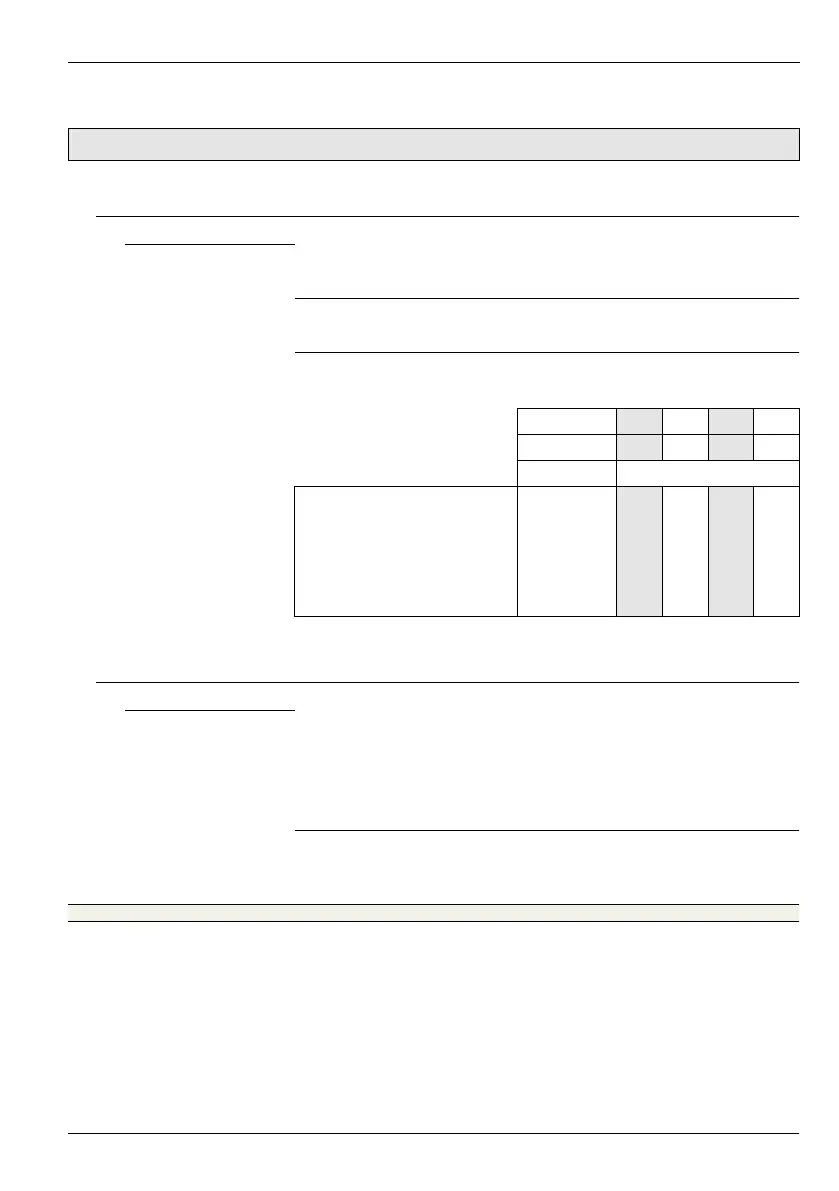
All inputs high AND 0011
Any (or All) input(s) low NAND 1110
Any (or All) input(s) high OR 0111
No inputs high NOR 1000
Any, but not All, input(s) high XOR 0110
Table 7.4 Logic operators
Repeat these steps until the equation is complete.
Eqtn tag & log enable
Equation tag Enter an equation tag (20 characters maximum) to be displayed in the
Alarm Event log.
Refer to Appendix F, page 180 for further information regarding character
use in tags.
Log enable Set to On to enable changes in the equation's state to be recorded in the
Alarm Event log.














 To Next Page