ScreenMaster RVG200
Paperless recorder 4 Operation
24 OI/RVG200-EN
4 Operation
The recorder is operated using the touchscreen.
4.1 Powering up the recorder
When power is first applied to the recorder a number of self-tests are performed and, if passed, the start-up
screen is displayed.
At the end of the start-up sequence, the recorder displays the Operator view that was displayed when the
recorder was powered down.
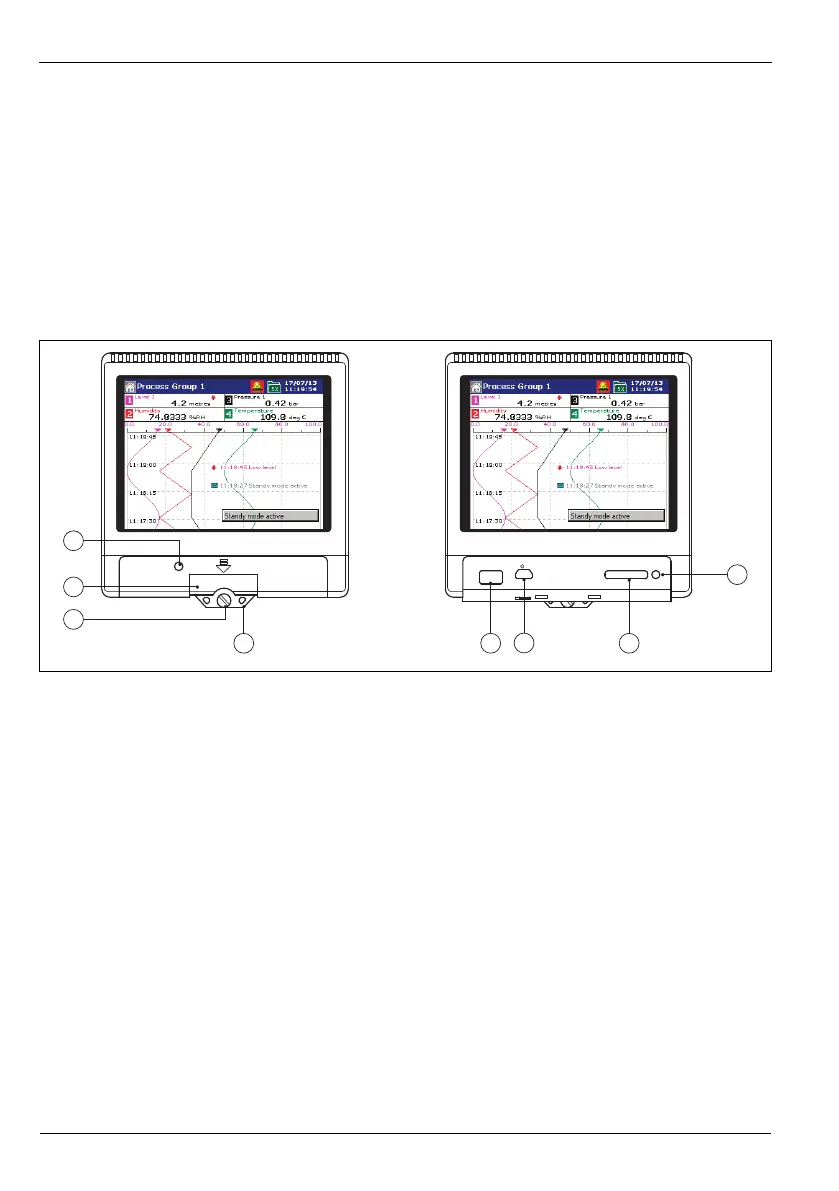
4.2 Front panel features
Key to Fig. 4.1:
a Case securing screw
b Door release
c Door lock
d Tamper-evident seal attachment point
e USB port
f Service port
g SD card slot
h Archiving active indicator light (do not remove media when lit)
Fig. 4.1 Front panel features
1
2
3
8
4 75
6














 To Next Page