8-26
Questions? Refer to Page 11-22 For Technical Support Instructions.
What You See on the Display What You Do Comments
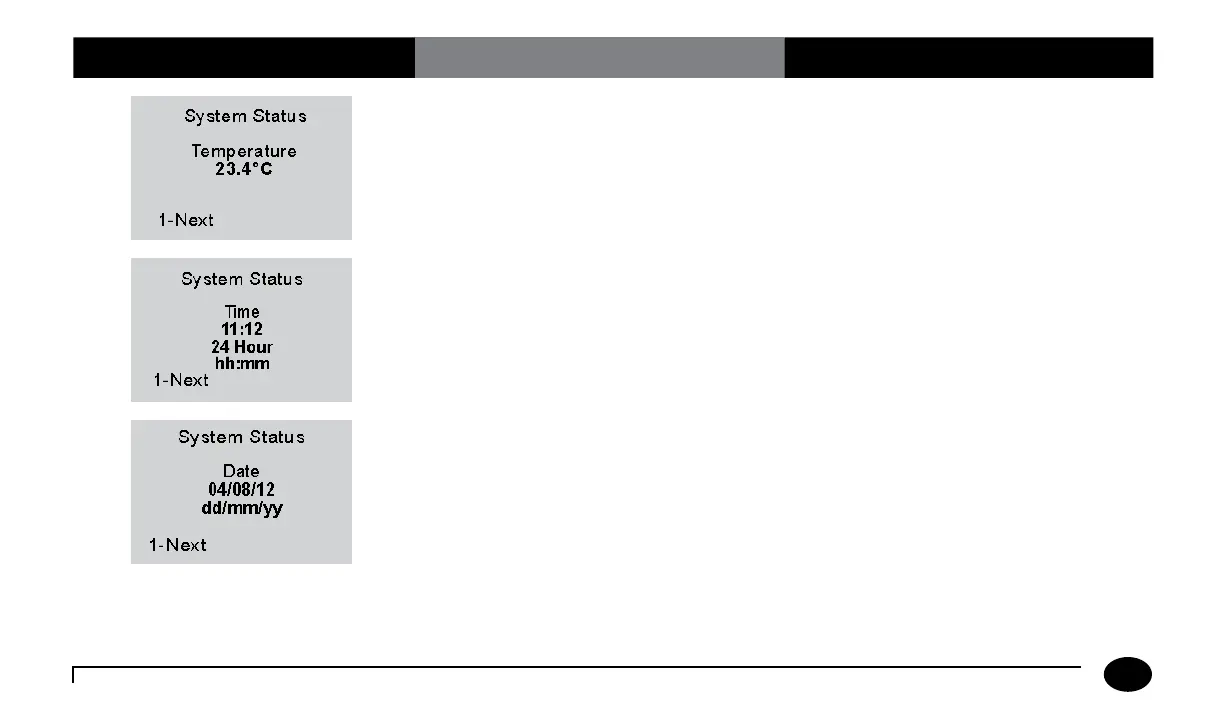
6. Press 1-Next to continue to the System
Status Time screen.
7. Press 1-Next to continue to the
System Status Date screen.
8. Press 1-Next to continue to the
System Status Software Version
and Serial Number screen.
Chapter 8: Review Setup












 To Next Page