2-4
Questions? Refer to Page 11-22 For Technical Support Instructions.
Chapter 2: Using the Meter
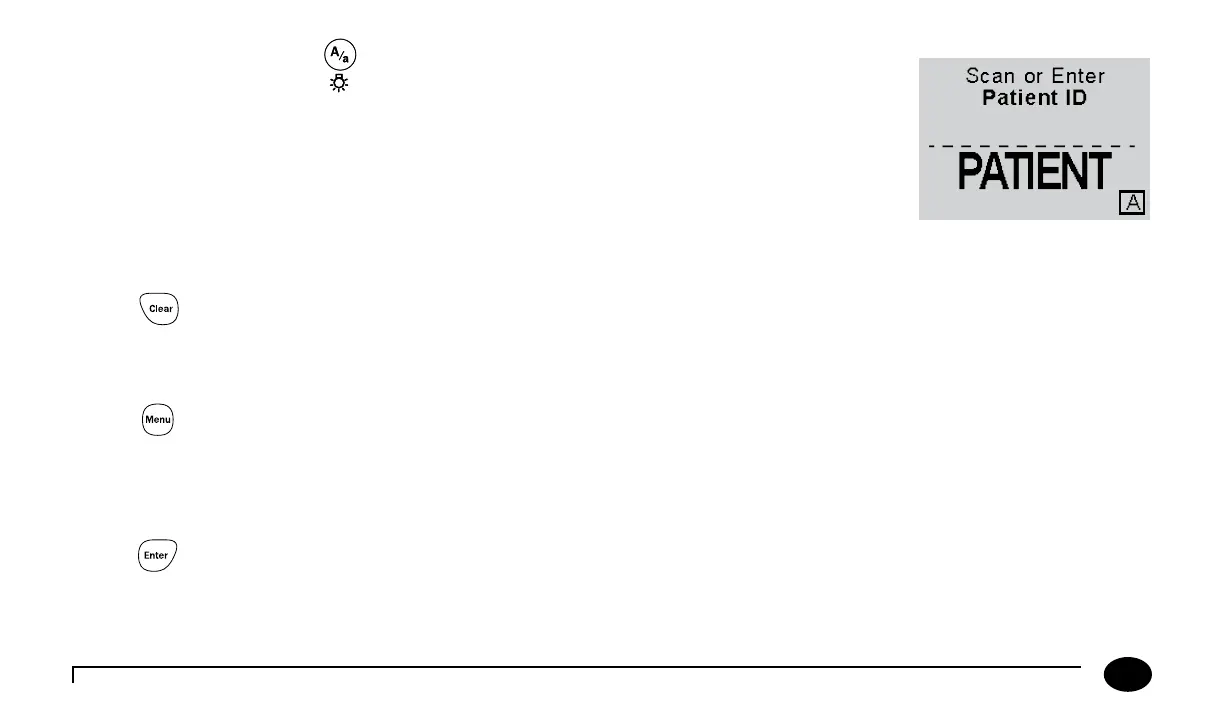
Backlight/Alphanumeric
Press and hold this button for about 2 seconds to activate the display backlight.
Press this button while manually entering data to toggle between numeric, uppercase alpha mode
and lowercase alpha mode during manual data entry. When in alpha mode, enter alpha characters
on the screen by pressing the 2 to 9 buttons multiple times to cycle through the characters. Enter a
SPACE character in alpha mode by pressing the 1 key.
e meter displays which mode you are in with a lowercase/uppercase alpha indicator in the lower right side of the display.
Clear
Press this button to back up one space while entering alphanumeric information on the keypad.
is button is also used to return to a previous screen if necessary.
Menu
Press this button to switch the meter from Test Mode to Menu Mode. ese two modes are described in the next section. When
viewing conguration information in Menu Mode, pressing this button one time will return to the top of the menu tree. Pressing
the button a second time will switch to Test Mode.
Enter
Press the Enter button aer entering data on the keypad to proceed to the next screen.












 To Next Page