3-10
Questions? Refer to Page 11-22 For Technical Support Instructions.
What You See on the Display What You Do Comments
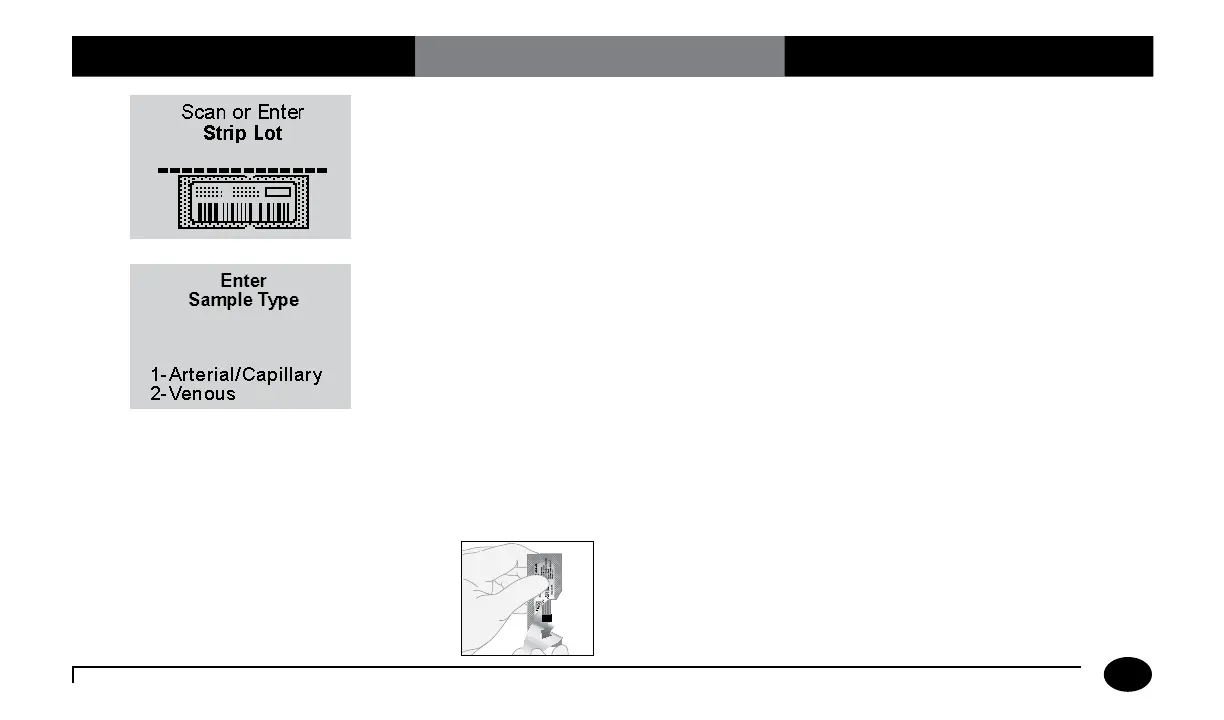
6. Press Scan to scan the test strip barcode
or manually enter the test strip lot
number via the keypad, then press
Enter.
Scanning the barcode identifies the strip
type, calibrates the meter, ensures the
expiry date has not passed, records the strip
lot used, and checks that the lot has been
approved for use by your facility.
7. The Sample Type screen will appear.
You can select one of the following:
Press 1 - Arterial/Capillary, or
Press 2 - Venous.
Use Venous mode only for venous samples
that have been in capped tubes and that
have not been mixed with air. Use Arterial/
Capillary mode for all other samples.
If the Sample Type screen is not seen,
continue with step 8.
8. Make sure your hands or gloves are
clean and dry before opening the foil
packet. Open the foil test strip packet at
the notch and tear down to remove the
test strip.
Chapter 3: Patient Test












 To Next Page