ACIST | CVi® System User's Guide 901418-003,01 2019-08 English (USA) | 23
System Hardware3 System Description
Control Panel
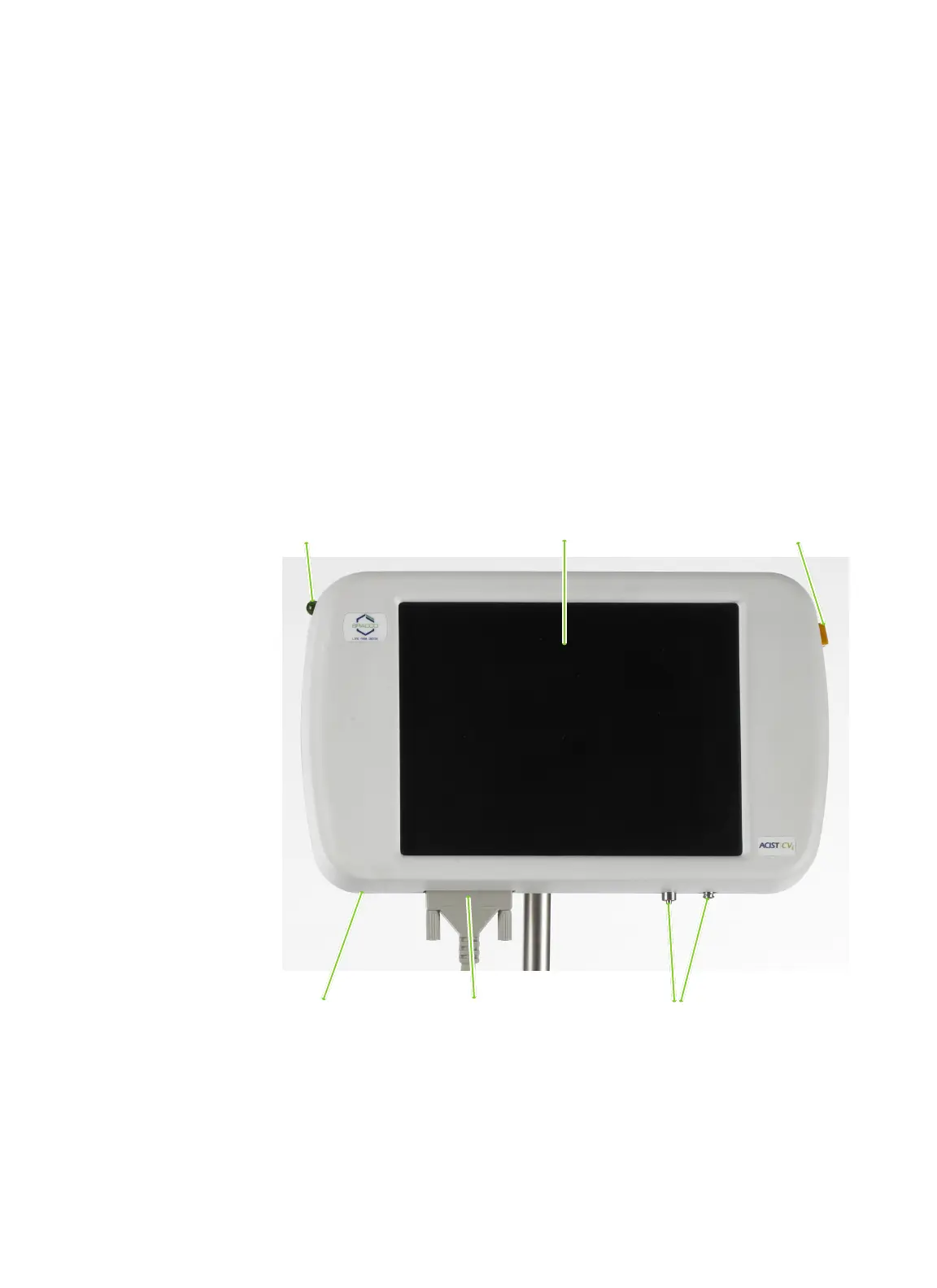
e control panel provides the main user interface for the CVi system. e
main features of the control panel are as follows:
• Touchscreen provides user prompts throughout the setup procedure. During
operation, the touchscreen provides status information, alert messages, and
controls for conguring injection parameters and operation status.
• Armed mode indicator light to indicate when the system is ready to perform
an injection.
• Standby button to allow the user to pause system operation.
• Speaker for audible alerts.
• Luer connections for the AngioTouch hand controller pneumatic tubing.
• Control panel connection terminal for connection of the control panel to the
injector head.
• Swivel base to allow the control panel to be easily rotated to a position for
optimal viewing.
Armed light Standby button
Speaker
(not shown)
Luer connections
for hand controller
Touchscreen
Control panel
connection terminal



 To Next Page