ACIST | CVi® System User's Guide 901418-003,01 2019-08 English (USA) | 39
Purge the Tubing4 Setup
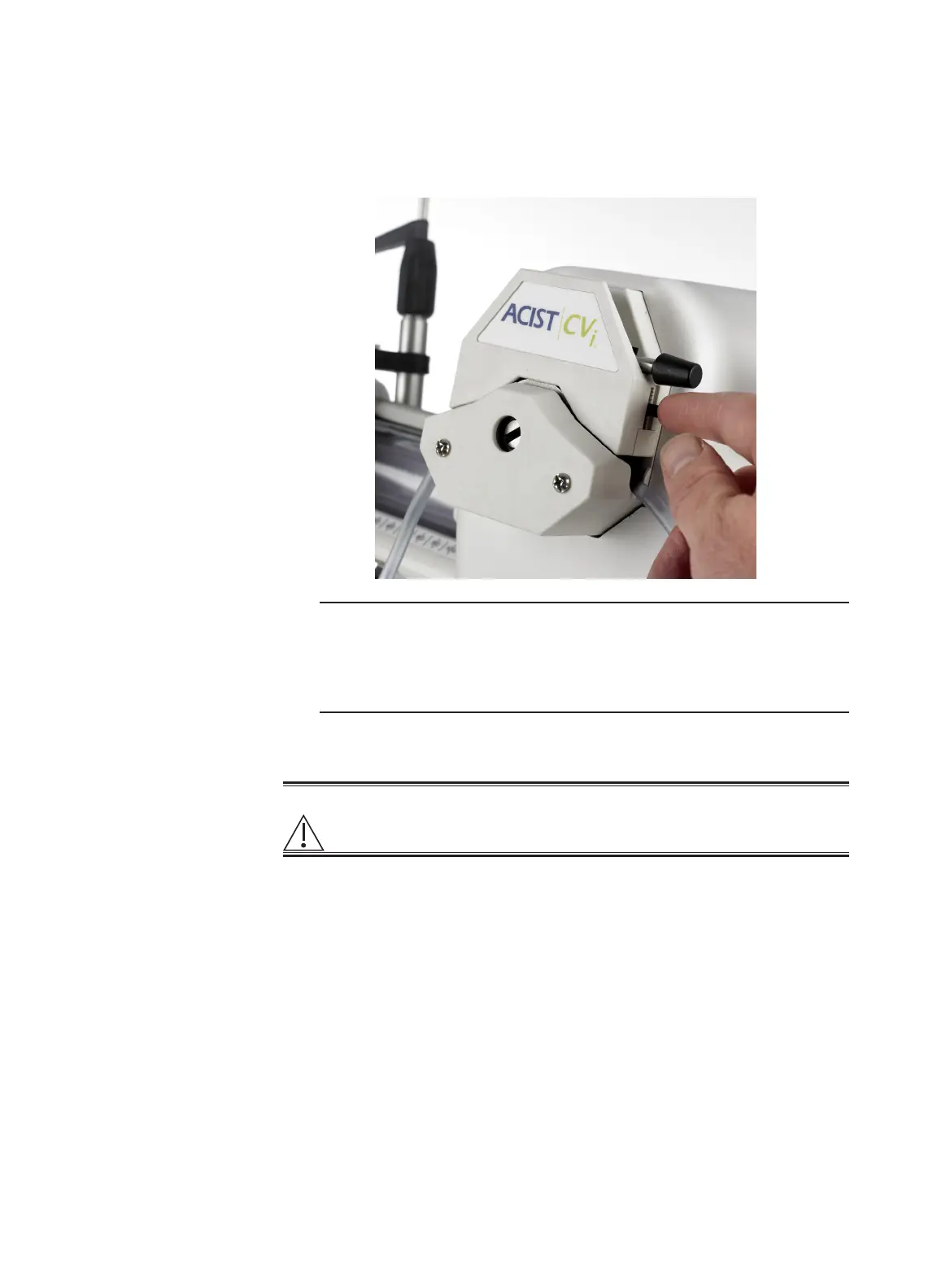
7. Close the saline pump door by rotating the pump handle clockwise,
locking it into position.
8. Adjust the rear tubing guide downward until it is stopped by the tubing.
Note
The rear tubing guide should not restrict the ow of saline through the
tubing. If saline ow is restricted, the system may display a saline pump
error. The saline ush button on the control panel and the saline button
on the hand controller may not function as expected.
9. Press DONE on the touchscreen.
Warning
It is important to use aseptic technique throughout this procedure. See
Aseptic Technique on page 6 for more information.
1. Disconnect and empty the hand syringe.
2. Reconnect the empty hand syringe to the manifold tubing.
3. Press PURGE to remove air from the manifold tubing. Gently tap the
tubing while purging.
4. Disconnect the hand syringe and empty it. Repeat purging as needed.
5. Press FLUSH for a 10 second saline ush.
6. Tap all tubing and ttings to remove trapped air.
7. Check the system thoroughly to ensure that all connections are in place
and secure, and that all air is removed from the manifold assembly and
saline tubing.
8. Leave the hand syringe in place until ready to connect it to the patient
tubing.
9. Press DONE on the touchscreen.
Purge the Tubing



 To Next Page