ACIST | CVi® System User's Guide 901418-003,01 2019-08 English (USA) | 61
Recalibrate Control Panel Screen7 Supplementary Procedures
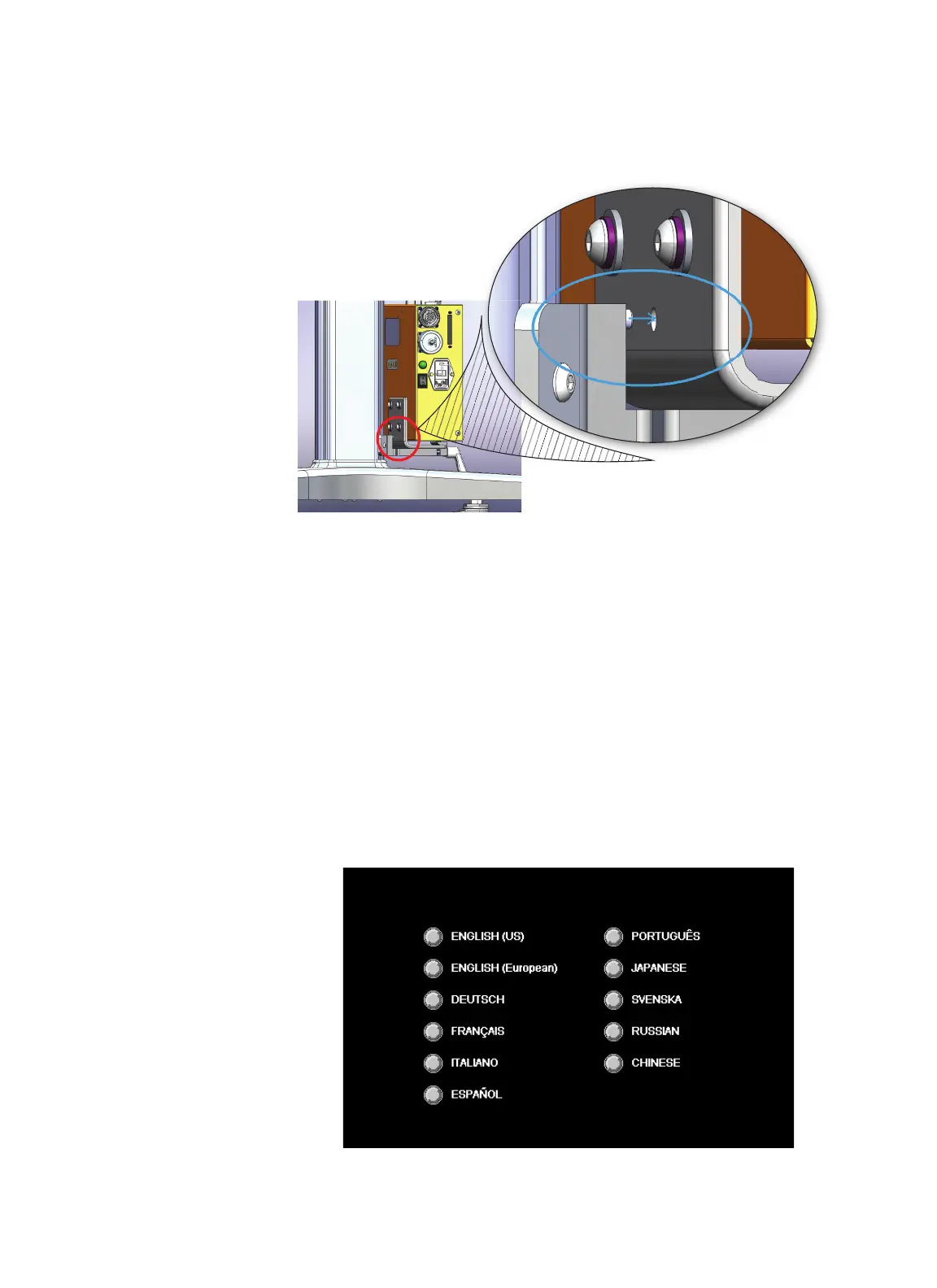
4. Position the hole on the power supply so that it mounts onto the peg on
the power supply clamp.
5. Hand tighten the power supply clamp.
While the ACIST logo is being displayed during system startup, touch the
control panel screen. When directed, touch each of the three points on the
screen. It is important to touch the three calibration points with precision for
an accurate calibration.
It is recommended that the control panel screen be calibrated approximately
once per month.
Display Language
During system startup, the CVi system presents a list of languages. Press the
button next to the desired language. If no language selection is made within
5seconds, the system defaults to the last selected language.
Recalibrate
Control Panel
Screen
Change the
Display Language
and Pressure
Units



 To Next Page