Load the Syringe Assembly
34 | English (USA) 2019-08 901418-003,01 ACIST | CVi® System User's Guide
4 Setup
1. Open the syringe kit.
2. Remove the syringe and pouched disinfecting caps. Set the disinfecting
caps aside.
3. Place the syringe assembly into the syringe chamber.
4. Close the chamber. Make sure the syringe door pin locks into place and
press DONE. e plunger will move to the ll syringe position.
5. Open the disinfecting cap pouch and place the strip on the standby
contrast or saline hook for use during case changeover.
Notes
• If a hook is not available, place the strip of disinfecting caps in an area that
can be accessed easily during case changeover but outside of the sterile
eld.
• Do not discard the strip of unused disinfecting caps after the end of a case.
• Do not place the strip of unused disinfecting caps in the drip tray.
1. Open the manifold kit.
2. Remove the luer cap from the syringe.
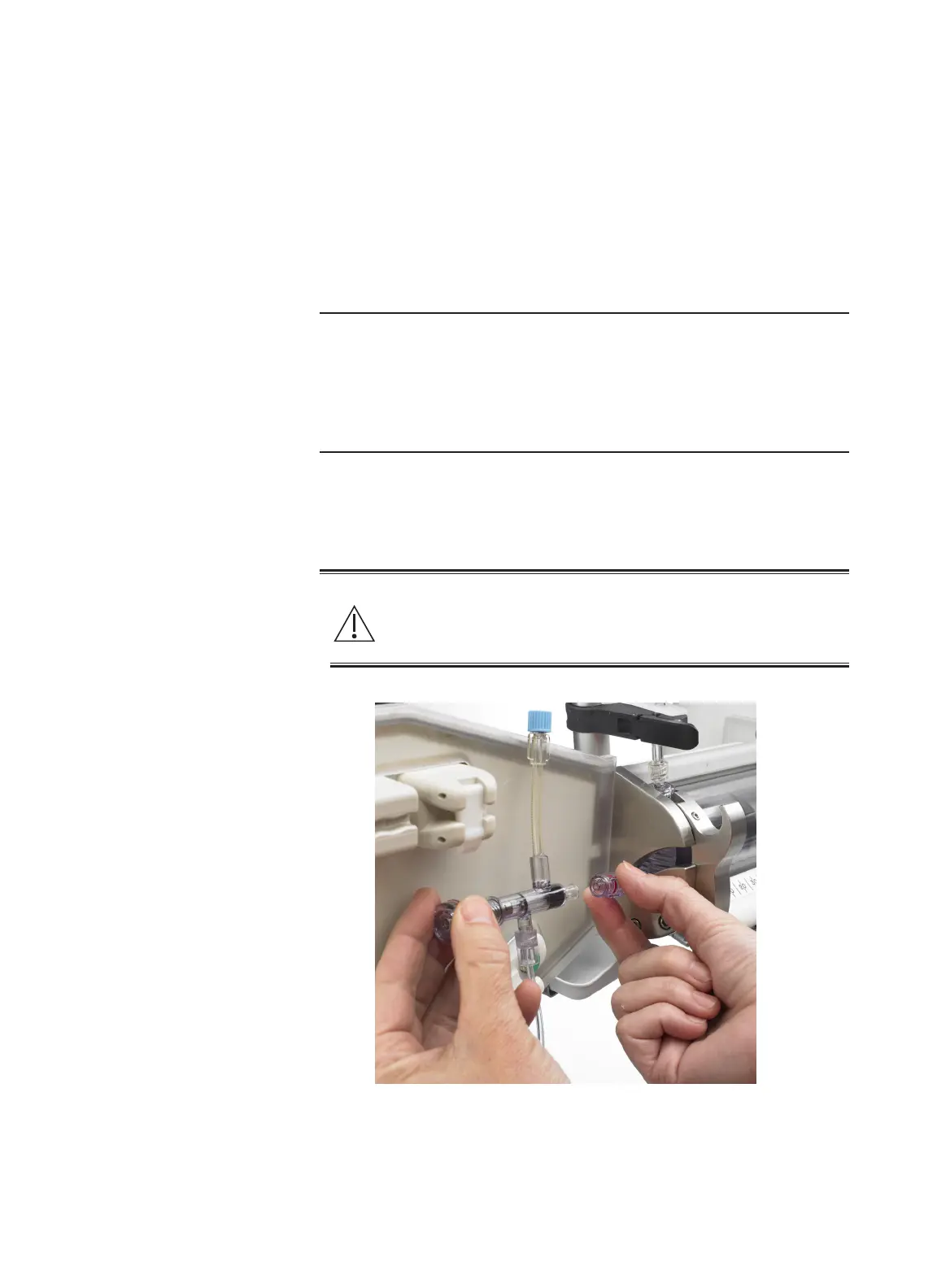
3. Remove the luer cap from the manifold contrast inlet and connect the
manifold to the syringe assembly. Make sure the connection is secure.
Warning
Contamination of either luer presents a risk of serious patient injury
due to infection. Aseptic technique must be employed. If suspected
contamination has occurred, replace the aected kit or kits.
Load the Syringe
Assembly
Load Contrast



 To Next Page