ACIST | CVi® System User's Guide 901418-003,01 2019-08 English (USA) | 59
Cabling7 Supplementary Procedures
Plug In the Power Supply
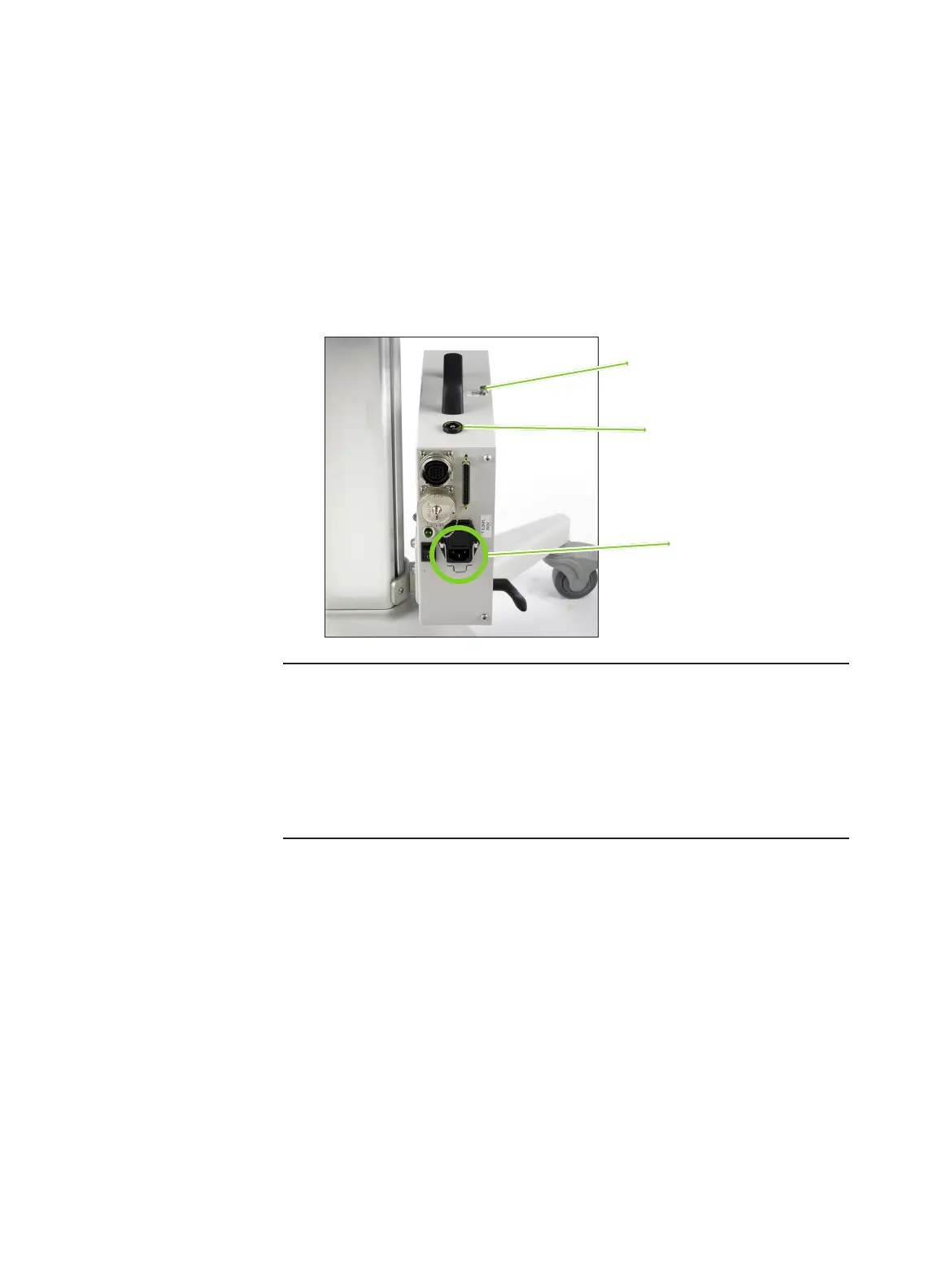
Connect the power cord between the power supply and a wall outlet. e
appropriate medical grade power cable is supplied with the CVi system.
In order to prevent voltage dierential between medical equipment, an
equipotential cable may be required. Ground equalization can be established by
connecting the equipotential cable to either the equipotential lug or the thumb
screw on the power supply. e other end of the equipotential cable must be
attached to the appropriate location on the patient table. Both connections on
the power supply are in compliance with IEC 60601-1 clause 8.6.7.
Notes
• The power cable may only be substituted with an equivalent medical grade
power cable.
• The power supply must be positioned to provide easy access to either or to
both ends of the line power cable for disconnection from mains power.
• For systems connected to a Philips or Siemens X-ray imaging system, a
separate power cord is not required. Power is supplied from the imaging
system connection.
Mains power cable
connection
Equipotential lug
Thumb screw



 To Next Page