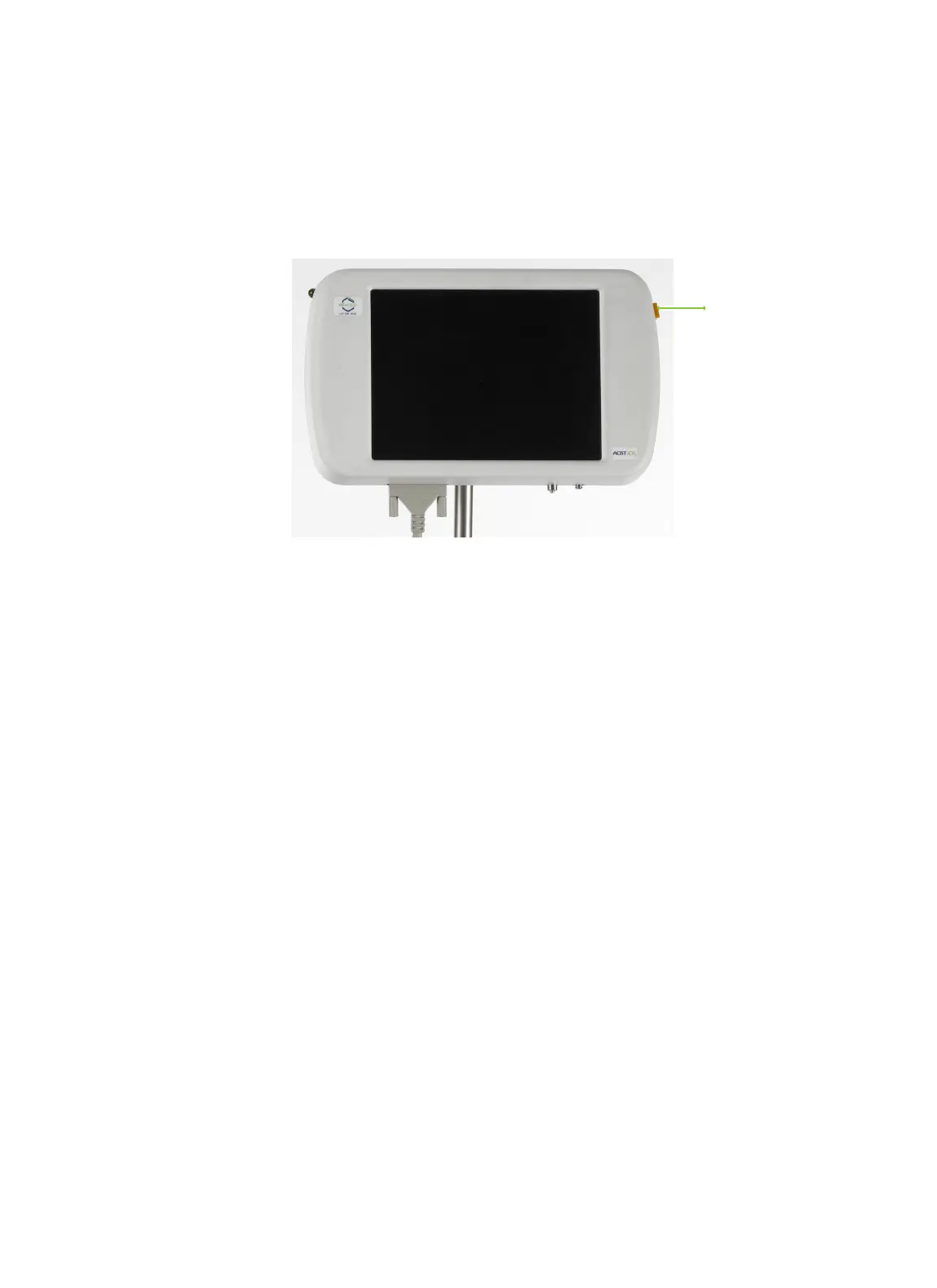
Standby
46 | English (USA) 2019-08 901418-003,01 ACIST | CVi® System User's Guide
5 Perform an Injection
e Standby button immediately suspends operation of the CVi system. Press
the STANDBY button once to place the CVi system into Standby mode. When
the CVi system is in Standby mode, all functions are paused.
To enable the system, press the STANDBY button again and then press OK on
the control panel touch screen.
Standby
Standby button



 To Next Page