Calculate Parameters from Patient Weight
62 | English (USA) 2019-08 901418-003,01 ACIST | CVi® System User's Guide
7 Supplementary Procedures
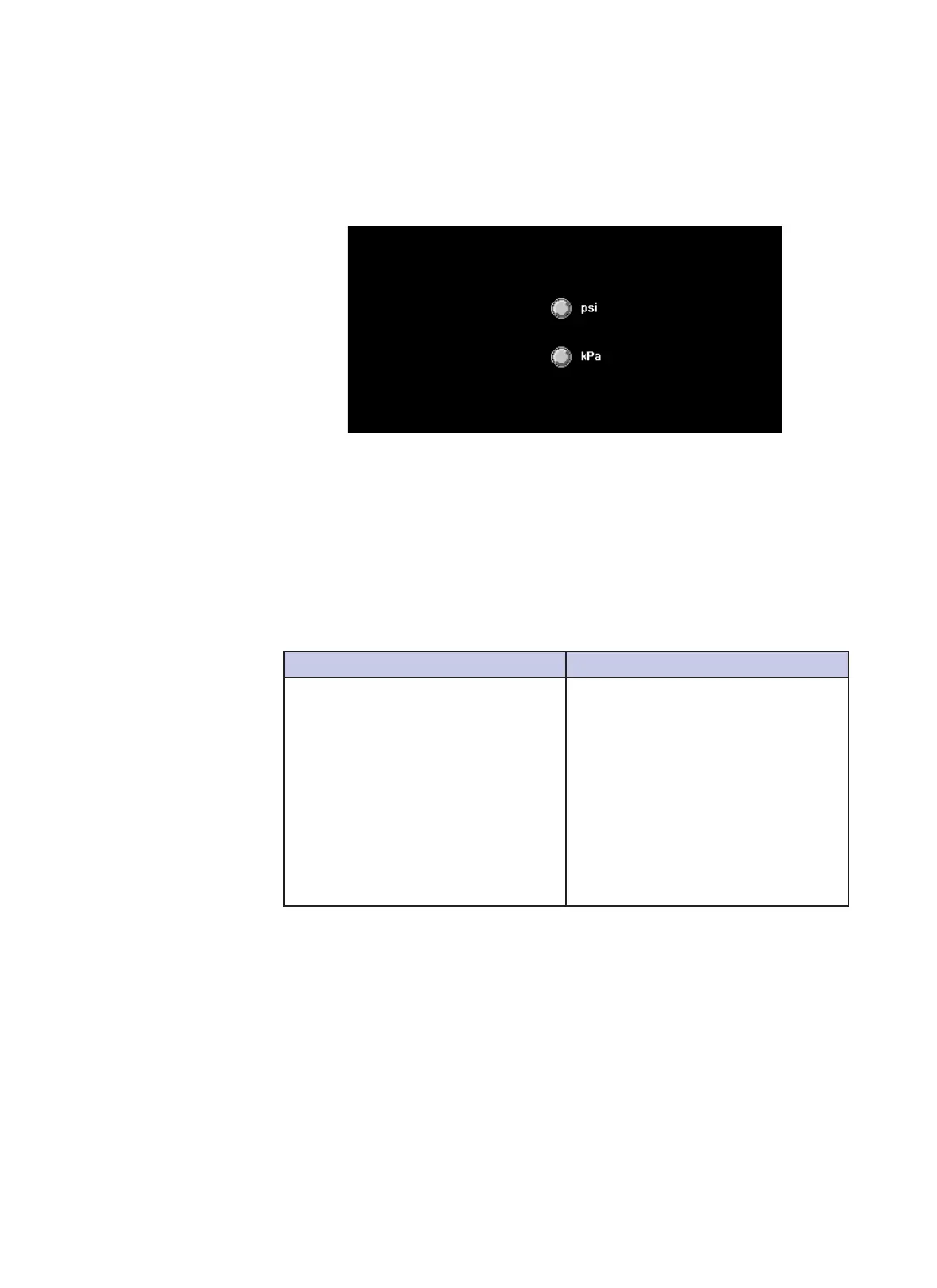
Pressure Units
When a language other than English (US) is selected, the CVi system presents a
second screen with a choice of pressure units (psi or kPa). Press the button next
to the desired pressure unit.
In cardiac procedure mode, the CVi system can automatically calculate
suggested ow, volume, pressure, and rise time values for each of the four
injection types based on patient weight. Press Patient Weight and enter the
patient’s weight in kg.
If a previously interrupted case can be resumed, the CVi system will display the
RESUME and RESTART buttons.
RESUME RESTART
Resume the interrupted case.
• If interruption occurred aer
the Spike Contrast setup screen,
RESUME returns to the Load
Saline (Low Pressure) Assembly
setup screen.
• If interruption occurred aer
reaching the main screen,
RESUME returns to the Starting
Hand Controller Calibration
screen.
Abandon the interrupted case and
start over.
Calculate
Parameters from
Patient Weight
Resume an
Interrupted Case



 To Next Page