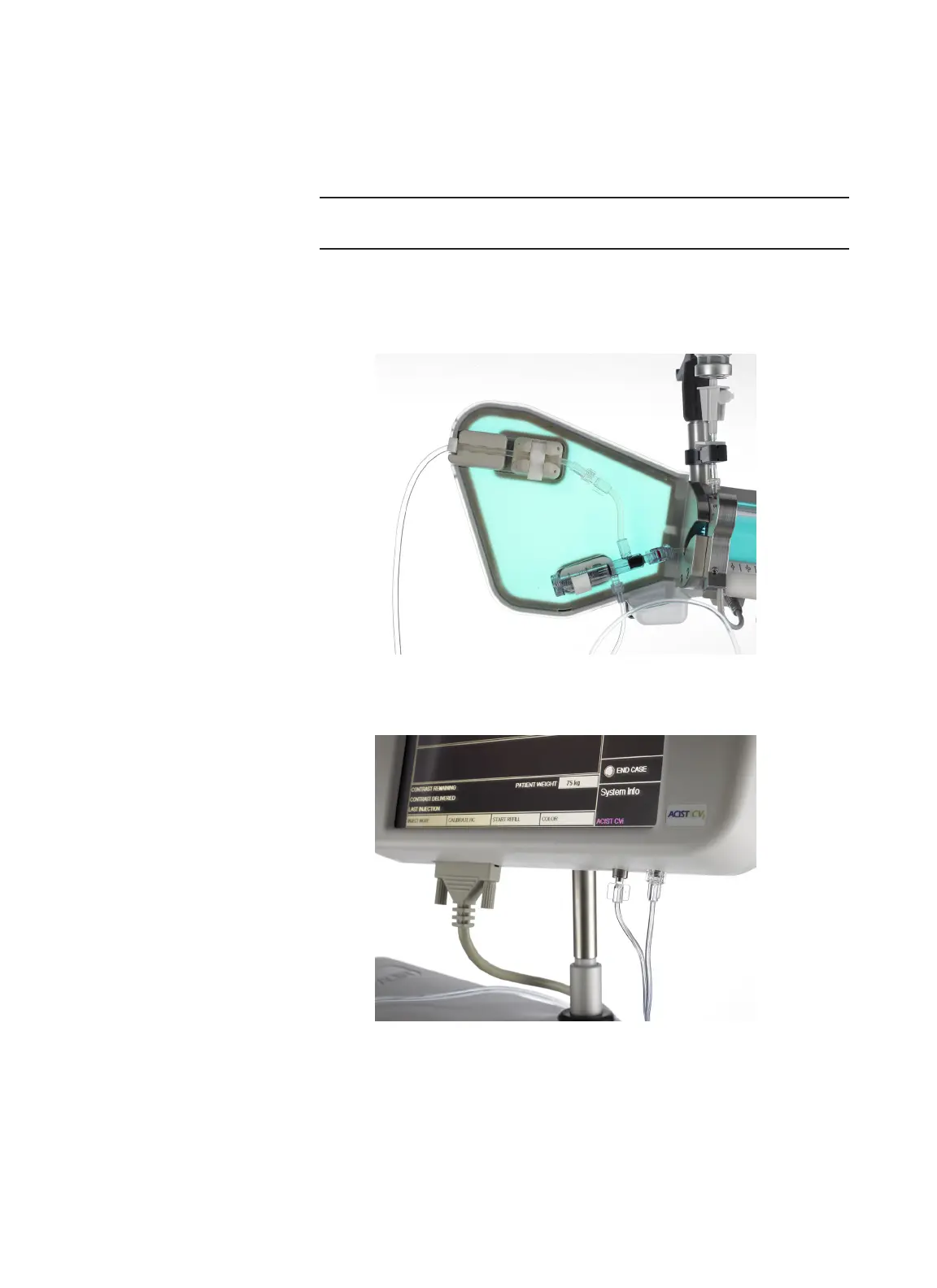
AngioTouch Hand Controller Setup
40 | English (USA) 2019-08 901418-003,01 ACIST | CVi® System User's Guide
4 Setup
1. Disconnect and empty the hand syringe.
2. Open the AngioTouch kit and empty it contents onto the sterile eld.
3. Connect the patient tubing to the manifold tubing.
Note
Make sure there are no sharp bends or kinks in the tubing.
4. Connect and tighten the stopcock to the patient tubing.
5. Place the patient tubing into the strain relief and air column detect sensor.
Fully close both latches.
6. Connect the hand controller to the control panel using both luer ttings.
Secure them tightly.
7. Calibrate the hand controller following the instructions on the control
panel.
AngioTouch
Hand Controller
Setup



 To Next Page