ACIST | CVi® System User's Guide 901418-003,01 2019-08 English (USA) | 33
Prepare the Contrast Container4 Setup
2. On the control panel, press START.
3. Press CARDIAC or PERIPHERAL to select the procedure mode.
Cardiac Peripheral
Heart-related procedures Non-heart-related procedures
X-ray system integration not
available
X-ray system integration available
Aer selecting the procedure type, the CVi system will perform a
60second calibration routine.
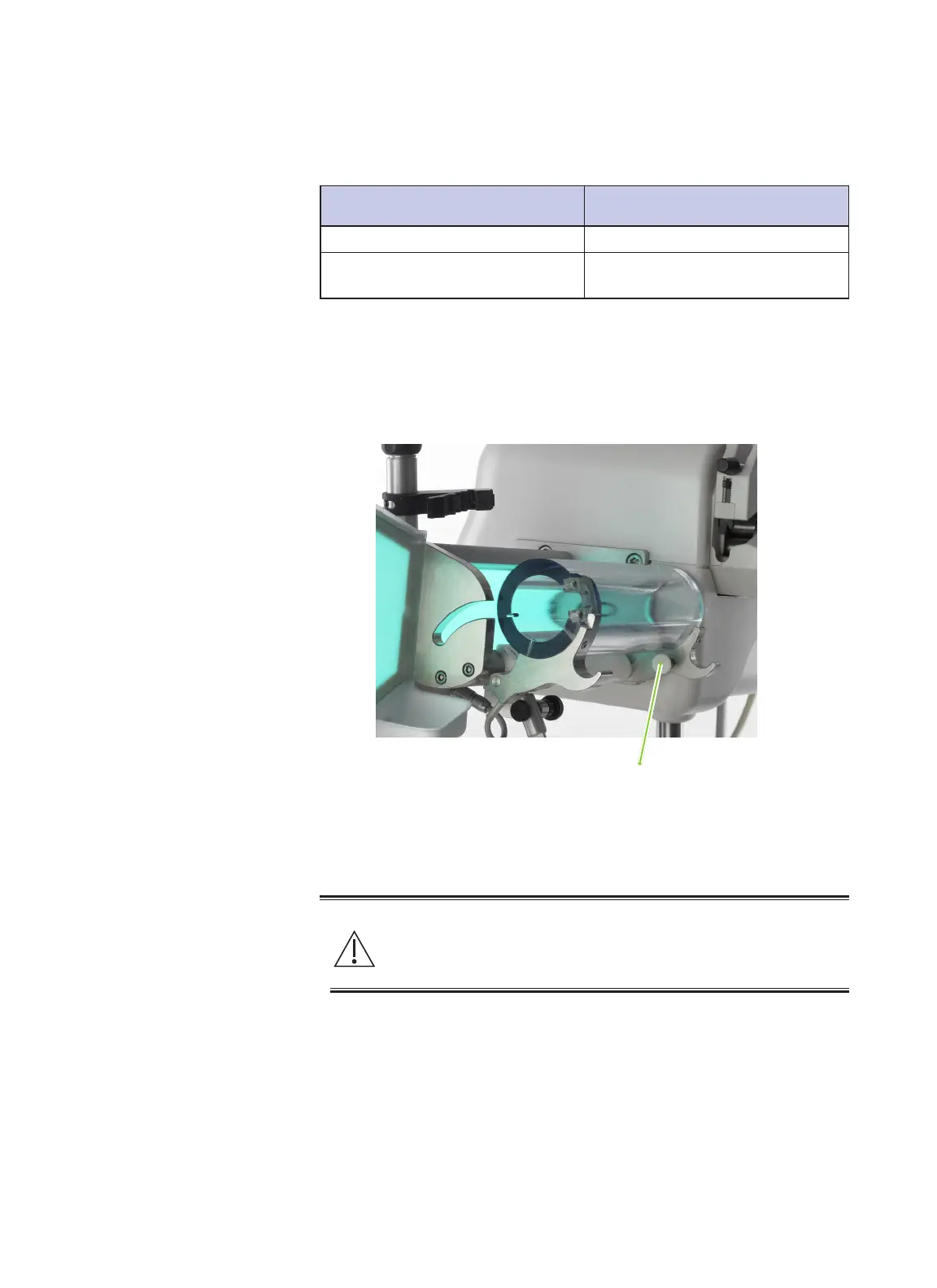
4. Open the syringe chamber on the injector head by pulling on the white
syringe door pin.
1. Remove the protective cover from the contrast container.
2. Following the contrast manufacturer’s instructions, wipe the septum with
a prepackaged 70% IPA wipe. Allow the septum to dry.
Warning
Contamination of the septum presents a risk of serious patient injury
due to infection. Aseptic technique must be employed. If suspected
contamination has occurred, replace the aected contrast container.
Syringe door pin
Prepare the
Contrast
Container



 To Next Page