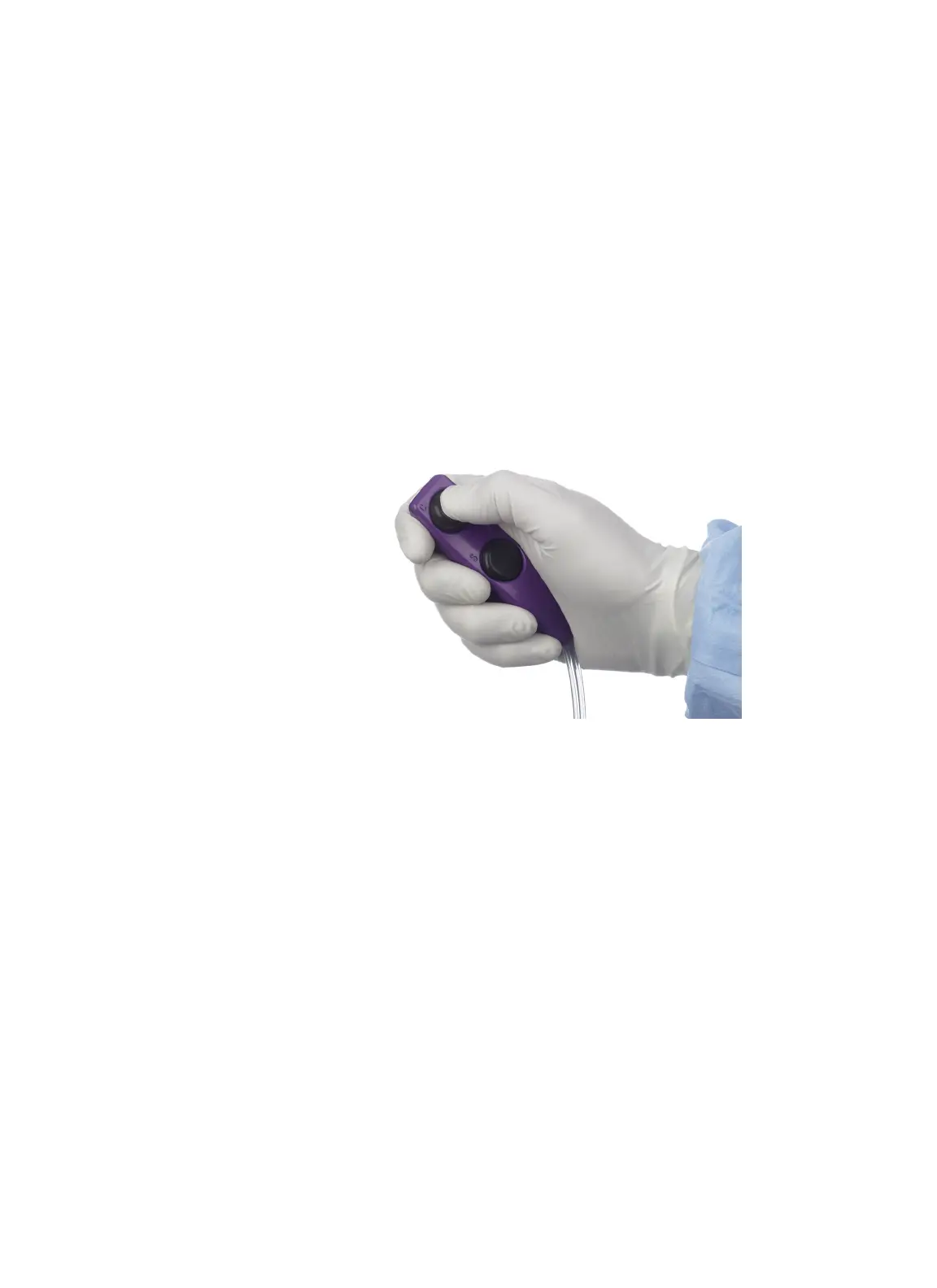
Arm the Injector
44 | English (USA) 2019-08 901418-003,01 ACIST | CVi® System User's Guide
5 Perform an Injection
1. In the SELECT MODE box, press INJECT.
2. Press OK to conrm arming the injector.
Large Injections
A large injection is dened as having a volume over 20 ml or a ow rate over
10ml/s. e CVi system will request additional conrmation before initiating a
large injection. For large injections, the luminescent backlight will ash on and
o.
Disarm the Injector
Press CANCEL to disarm the injector.
Press and hold the contrast (C) button on the hand controller to inject contrast.
Refer to page 43 for information about the behavior of the contrast (C)
button in xed rate mode and variable rate mode.
Automatic and Manual Rells
When the amount of contrast in the syringe is not enough for the next
injection, the CVi system will automatically rell the syringe from the contrast
container. To stop the system from relling the syringe, press STOP REFILL on
the control panel.
e syringe can also be manually relled at any time by pressing START
REFILL on the control panel. e system will continue to rell the syringe until
either the syringe is full or STOP REFILL is pressed.
Arm the Injector
Inject Contrast



 To Next Page