ACIST | CVi® System User's Guide 901418-003,01 2019-08 English (USA) | 35
Load Contrast4 Setup
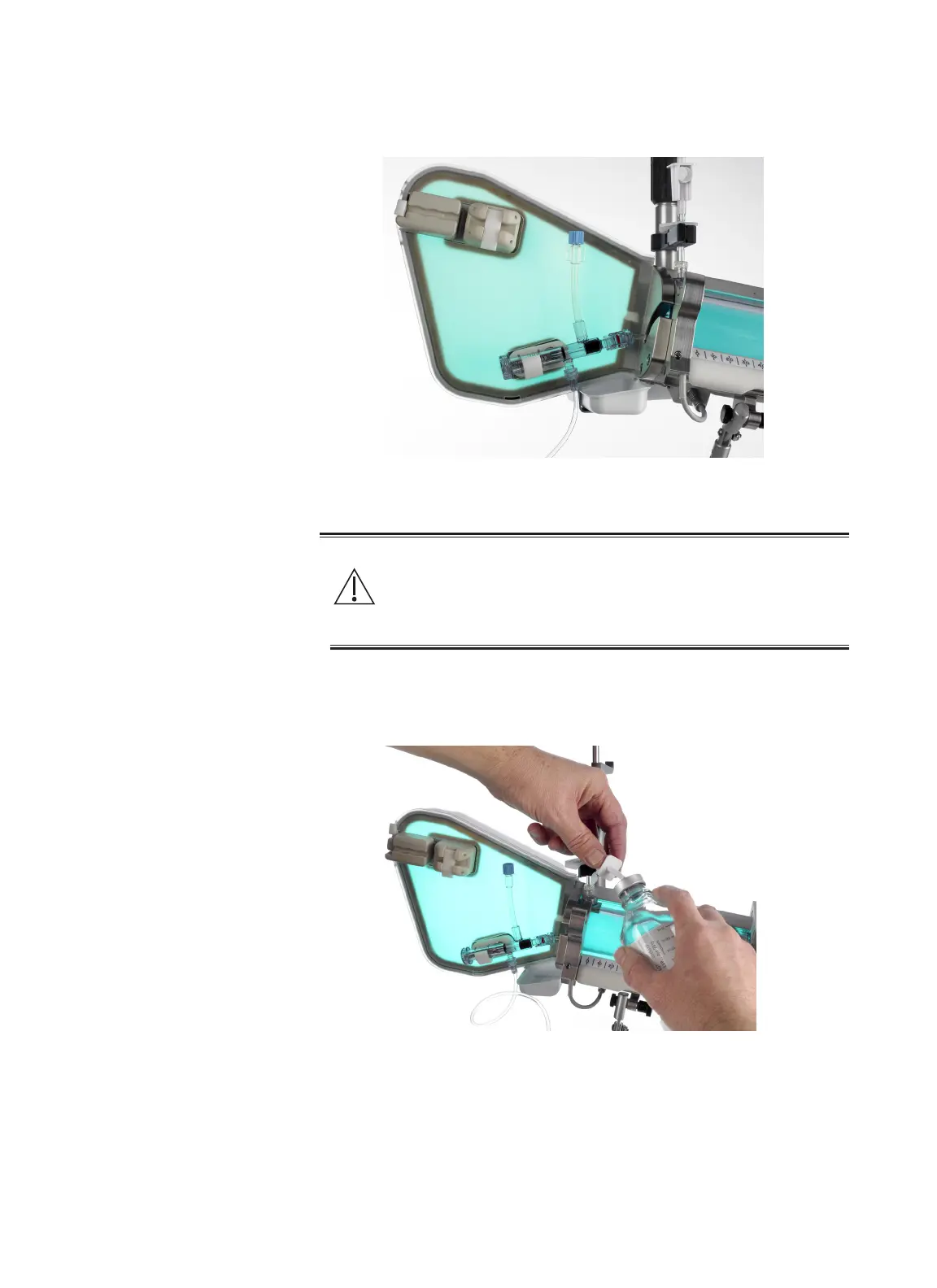
4. Clip the manifold assembly into the manifold valve sensor.
5. Remove the cover from the contrast spike. Ensure no hand contact is
made with the tip or sha of the contrast spike or septum.
Warning
Contamination of the contrast spike or septum presents a risk of
serious patient injury due to infection. Aseptic technique must be
employed. If suspected contamination has occurred, replace the
aected kit and/or contrast container.
6. Hold the container at an angle away from the contrast sensor with the
septum facing up. Insert the contrast spike into the septum of the contrast
container. Ensure the air vent on the contrast spike is open.



 To Next Page